

URL Editor
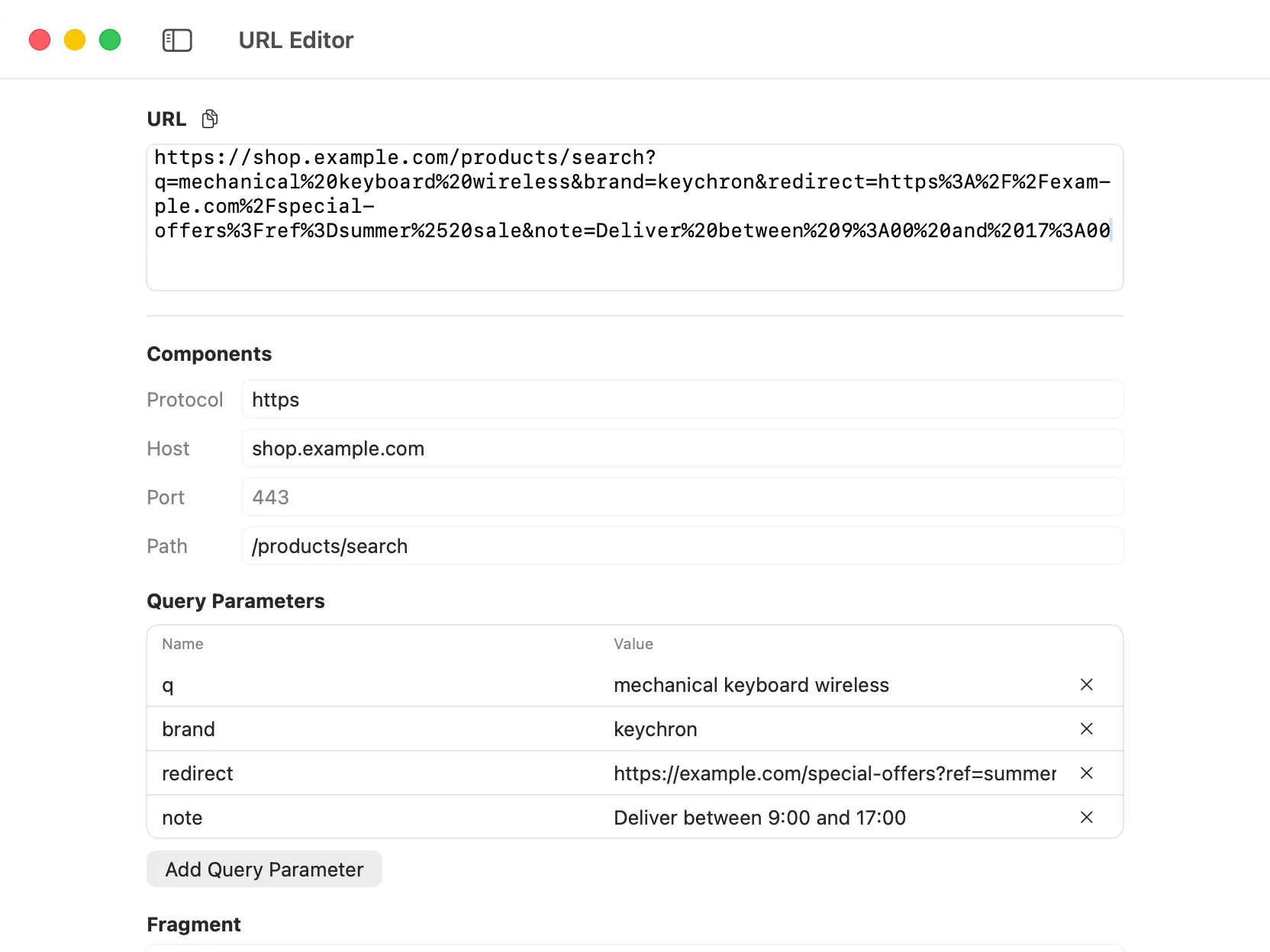
The URL Editor tool in DevKnife makes long or complex URLs easier to inspect and edit. Paste a URL and DevKnife breaks it into its main components, including protocol, host, port, path, query parameters, and fragment. You can edit those parts directly and DevKnife rebuilds the final URL automatically.
Key Features
Section titled “Key Features”- URL parsing – split a URL into readable fields instead of editing one dense string.
- Editable components – change the protocol, host, port, path, and fragment directly.
- Query parameter editor – inspect, add, edit, and remove query parameters in a structured form.
- Automatic URL rebuilding – changes made in the component fields update the final URL.
- Copy action – copy the rebuilt URL to the clipboard when you are done.
- Per-window persistence – DevKnife remembers the URL you were editing when you switch tools or relaunch the app.
Using The Tool
Section titled “Using The Tool”Paste a URL into the main URL field. DevKnife parses it immediately and fills in the component fields below.
You can then edit the URL in either direction:
- change the raw URL and let DevKnife update the fields
- edit the fields and let DevKnife rebuild the URL
This makes it easier to work with URLs such as API endpoints, tracking links, callback URLs, redirect targets, or long query strings.
Editing Query Parameters
Section titled “Editing Query Parameters”The query parameter editor shows each parameter as a separate name/value row. Use it to:
- inspect long query strings
- update a specific parameter without touching the rest of the URL
- add a new parameter
- remove parameters you no longer need
Empty query parameter names are ignored when DevKnife rebuilds the URL.
Common Uses
Section titled “Common Uses”URL Editor is useful when you need to:
- debug API URLs
- clean up shared links
- inspect redirect or callback URLs
- change one query parameter in a long URL
- verify that a URL is encoded correctly
Privacy
Section titled “Privacy”URL Editor works entirely offline on your Mac. URLs are parsed and rebuilt locally and are never sent to external services.