

DNS Inspector
The DNS Inspector lets you look up public DNS records for domains and hostnames. You can inspect records using your system DNS resolver or compare answers from multiple public resolvers.
Lookup
Section titled “Lookup”Use Lookup to inspect the DNS records returned through the DNS resolver configured on your Mac.
- Enter a domain or hostname.
- Select All or a specific record type.
- Press Enter or click Lookup.
Results are grouped by record type and include the record name, value, and time to live (TTL). You can copy an individual value or copy all returned records from the toolbar.
DNS Inspector supports A, AAAA, CNAME, MX, TXT, NS, SOA, CAA, and PTR records. For a PTR lookup, you can enter an IPv4 or IPv6 address directly.
Propagation
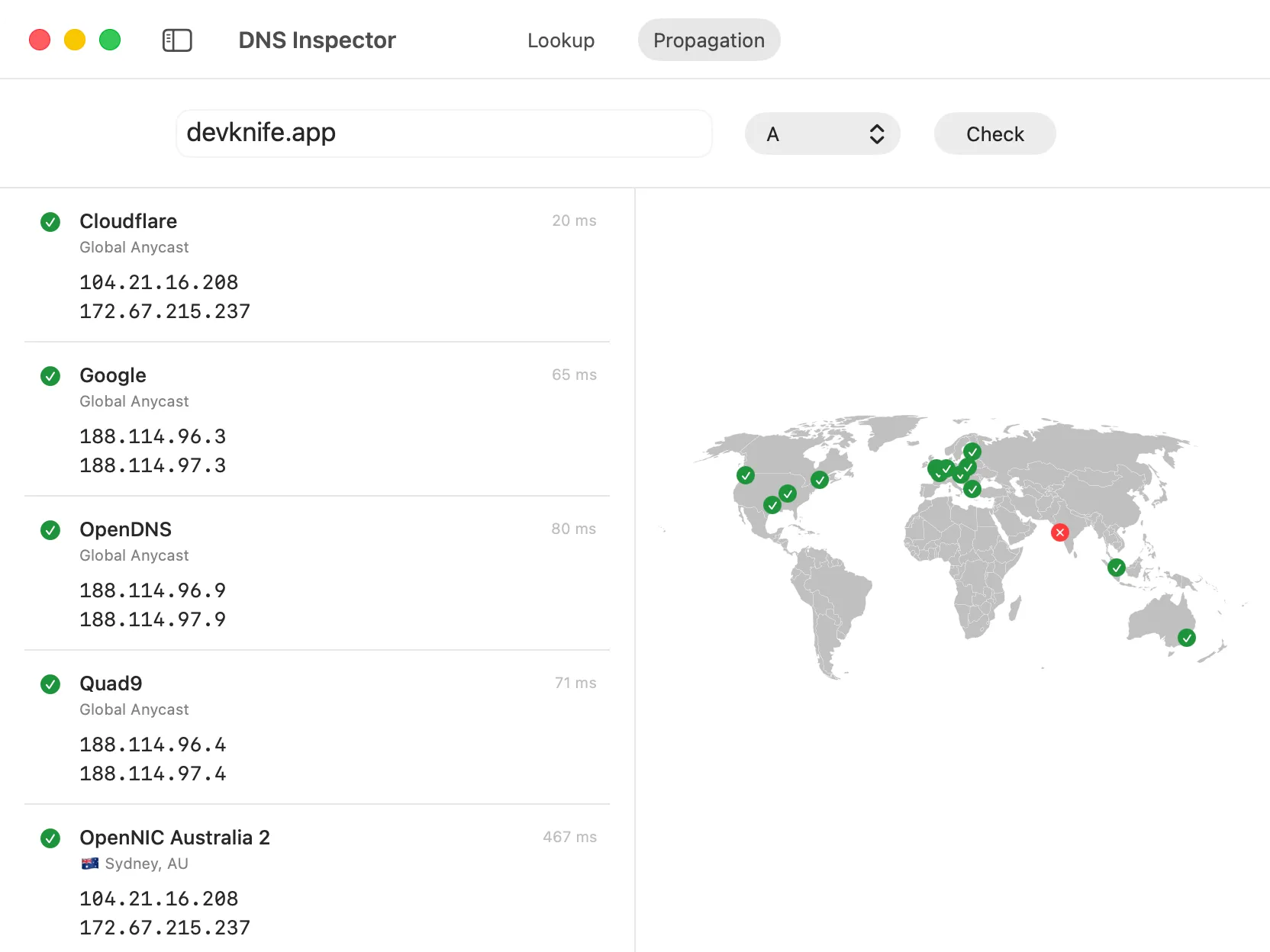
Section titled “Propagation”Use Propagation to compare the answer for one record type across multiple public DNS resolvers.
- Select Propagation in the toolbar.
- Enter the exact domain or hostname you want to check.
- Select a record type and click Check.
Each result shows the resolver, its listed location, response time, and returned values. The map provides a visual overview of resolvers with location data. Selecting a result also selects its marker on the map.
Propagation checks are sent directly from your Mac to each resolver. The map represents the locations listed for those resolvers. It is not a network of remote probes running queries from those locations.
Understanding the Results
Section titled “Understanding the Results”Different resolvers may return different answers while a DNS change is propagating because each resolver keeps its own cached response. The TTL indicates how long a response may remain cached before it is refreshed.
A timeout means that the resolver did not answer the query in time. It does not necessarily mean that the DNS record is missing. A No record result means that the resolver responded but did not return a record of the selected type.
DNS lookups only return records for the exact name you enter. They cannot list every subdomain or reveal records that are private or not published through public DNS.
Network Access
Section titled “Network Access”Lookup queries use your system DNS resolver. On the first propagation check, DevKnife downloads its public resolver list and caches it for one hour. Propagation queries are then sent to the resolvers in that list, so the domain or hostname being checked is visible to those DNS services.
The curated DNS resolver list is maintained in DevKnife’s public GitHub repository. If a resolver should be added, updated, or removed, you can open an issue.