

Base64 Image
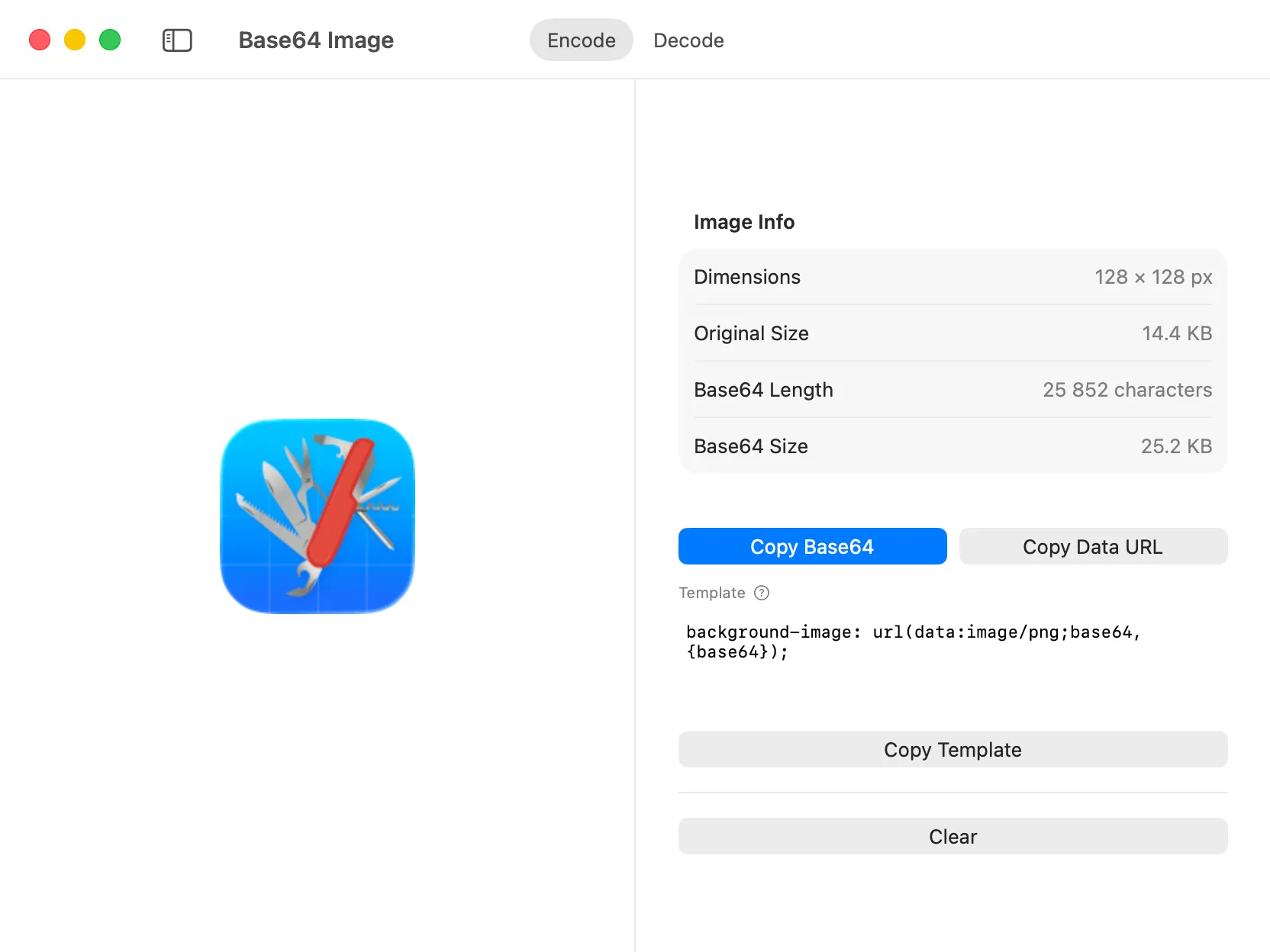
The Base64 Image tool handles bidirectional conversion between image files and Base64-encoded strings, making it easy to embed images directly in your code or decode embedded images for editing.
How it Works
Section titled “How it Works”Base64 encoding converts binary image data into text format that can be safely embedded in HTML, CSS, JSON, or other text-based formats. The Base64 Image tool handles both encoding (image to text) and decoding (text to image) with instant visual preview.
Using the Tool
Section titled “Using the Tool”The tool operates in two modes:
Encode Images to Base64
Section titled “Encode Images to Base64”To convert an image to Base64:
- Drop an image file into the input area or use the “Browse File” button to select one.
- The tool instantly encodes the image and displays the Base64 string.
- Choose your preferred output format:
- Base64 String: The raw Base64-encoded data, ready to use in any context.
- Data URI: A complete data URI with the proper MIME type (e.g.,
data:image/png;base64,...), ready to paste directly into HTML or CSS.
- Click the copy button to grab the encoded result.
- Preview the encoded image to verify the conversion.
Decode Base64 to Images
Section titled “Decode Base64 to Images”To convert Base64 text back to an image:
- Paste a Base64 string or data URI into the input field.
- The tool automatically detects the image format and displays a visual preview.
- Verify the decoded image appears correctly.
- Save the decoded image to disk if needed.
What You Can Use It For
Section titled “What You Can Use It For”The Base64 Image tool is particularly useful for:
- Embedding Images in HTML/CSS: Create self-contained HTML files or inline small icons and graphics in stylesheets.
- API Responses: Include images directly in JSON responses without requiring separate file downloads.
- Email Templates: Embed images in HTML emails to avoid broken image links.
- Data Analysis: Decode Base64 image data from API responses, databases, or configuration files.
- Testing: Quickly convert test images for use in automated tests or mock data.