 Simon
Simon
·
Guide How to find your public IP address on macOS
Find your public IP on macOS using terminal commands, websites, or DevKnife’s IP Lookup — plus how Apple Private Relay affects your results.
Read MoreVersion 1.9.0 brings a new way to collect and reuse colors, plus a smoother flow for jumping between tools. The headline addition is the new Color Palettes tool, designed for building reusable palettes and exporting them for real work.
Color Palettes is a dedicated space for collecting swatches, naming colors, reordering palettes, and exporting formats for your workflow. You can create multiple palettes, drag to reorder, and export in the formats you need for design and development.
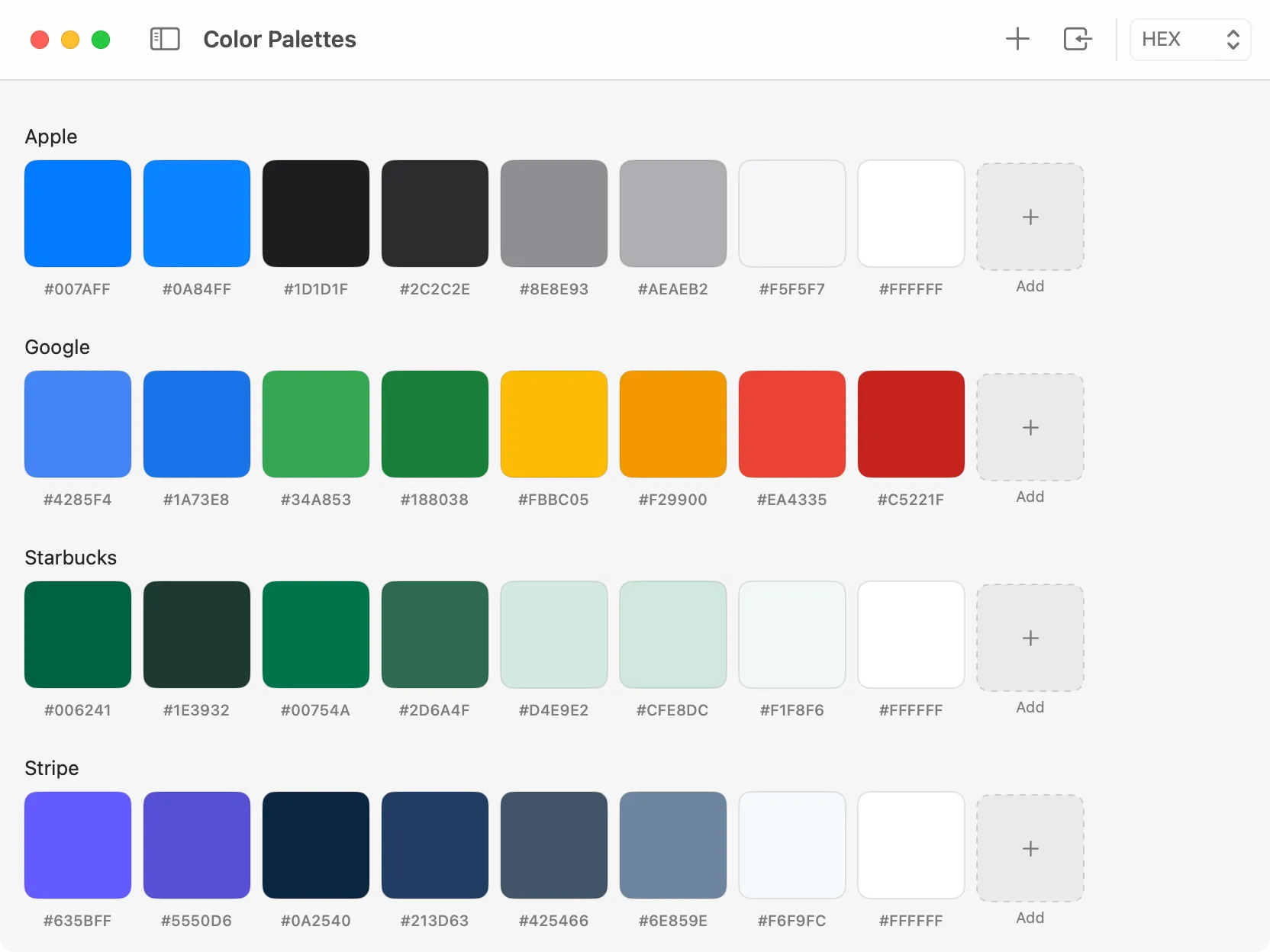
Organize reusable palettes and export them for your projects.
The Color Inspector now includes an Add to Palette menu in the toolbar. Pick a color, then add it to any existing palette or create a new palette with that color in a single step. This makes it effortless to build palettes as you explore colors on screen.
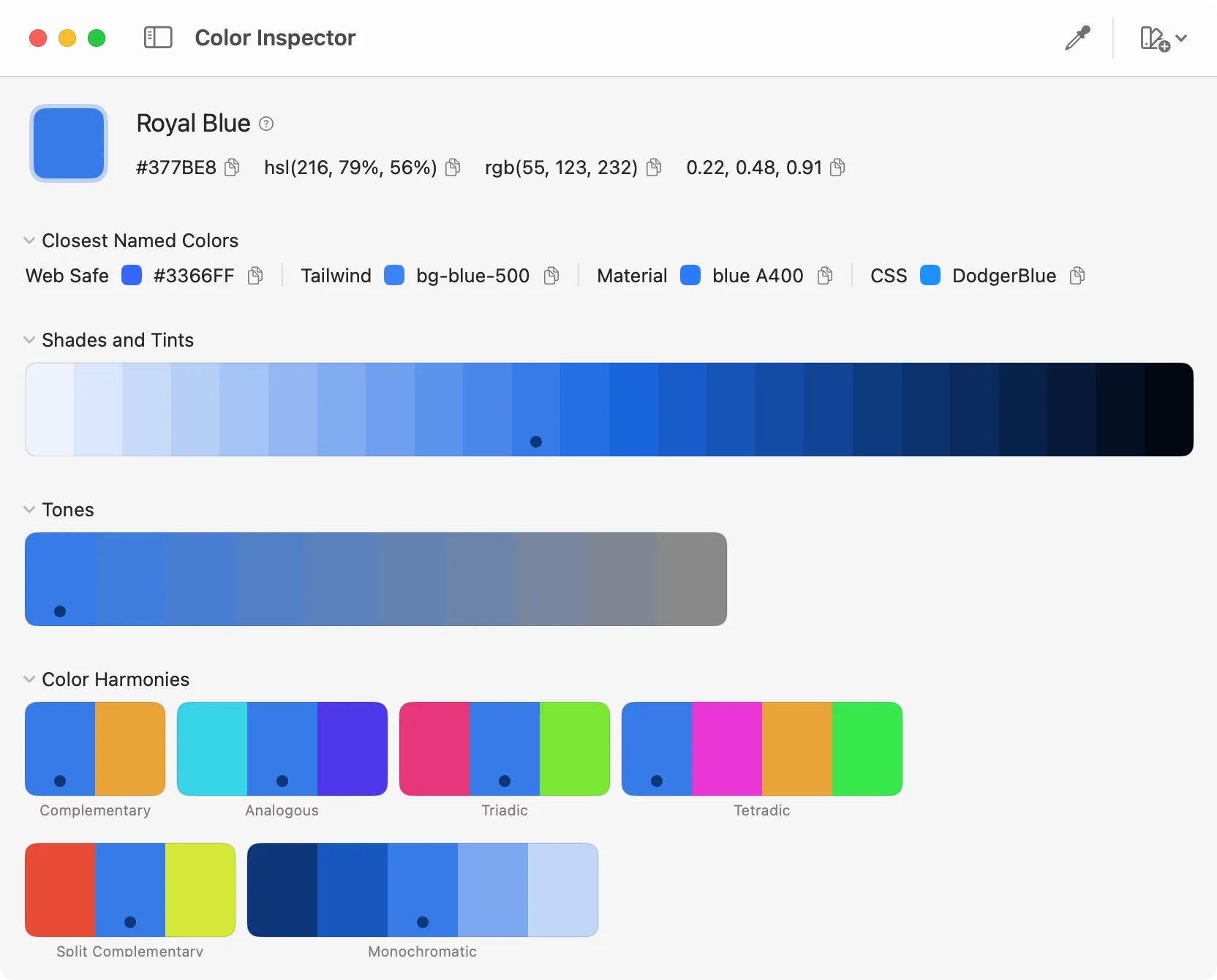
Send the selected color directly into a palette.
Quick Switch now prioritizes your recently used tools, so the switcher feels smarter and faster. When you open the switcher, the tools you used most recently appear at the top, making it quicker to bounce between modules during focused work.
This update also includes a few polish touches:
That’s everything in 1.9.0. If you build palettes often or work with colors daily, this release should make DevKnife feel more organized and faster to use.
Find your public IP on macOS using terminal commands, websites, or DevKnife’s IP Lookup — plus how Apple Private Relay affects your results.
Read More
Fast, private, and built for macOS.