Everything you need. Right in your dock.
DevKnife brings a suite of 33 essential tools directly to your dock, streamlining your workflow with native macOS performance.
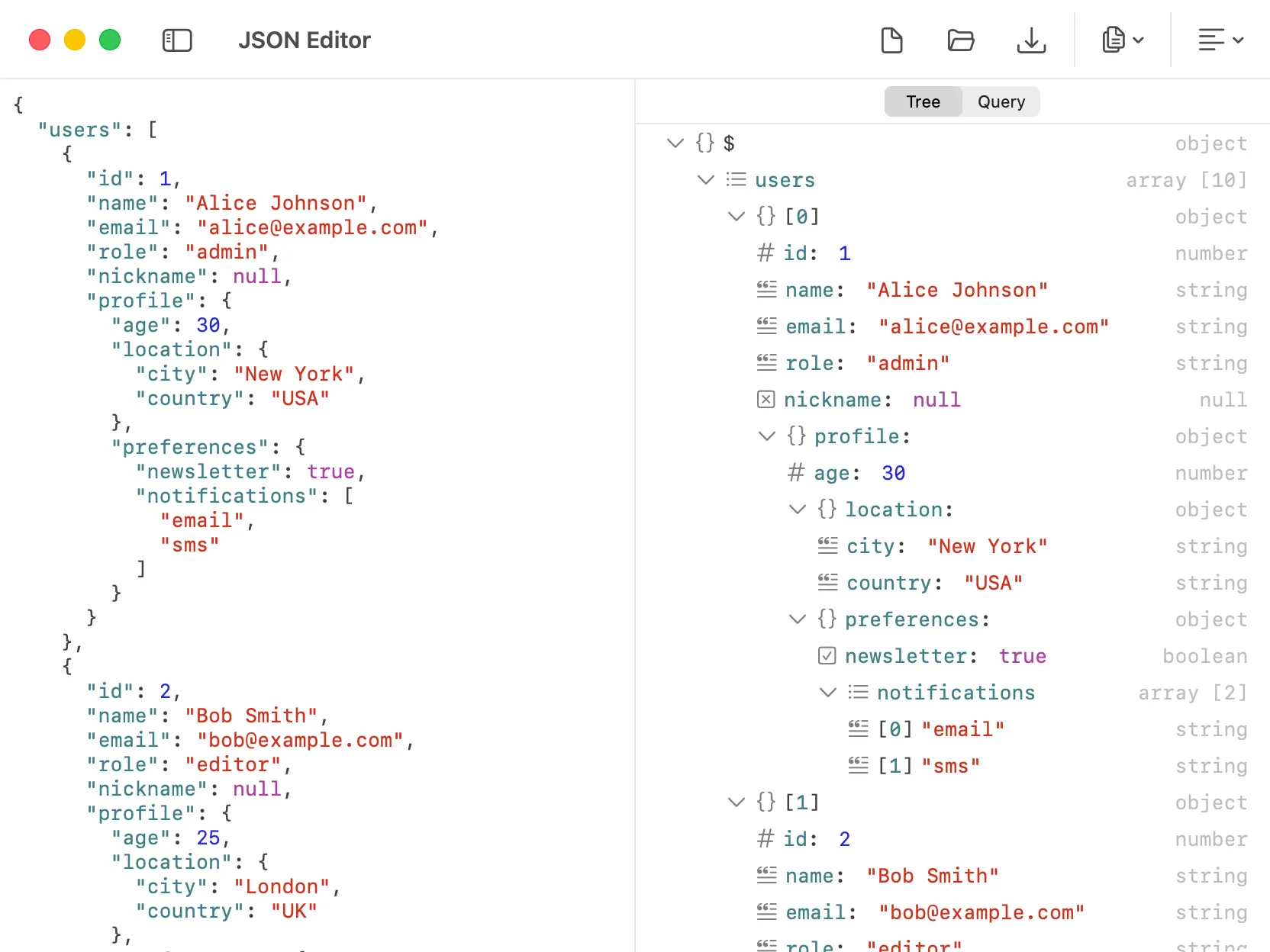
JSON Editor
Format and edit JSON in a collapsible tree view, query it with JSONPath or JMESPath, and auto-repair broken data.
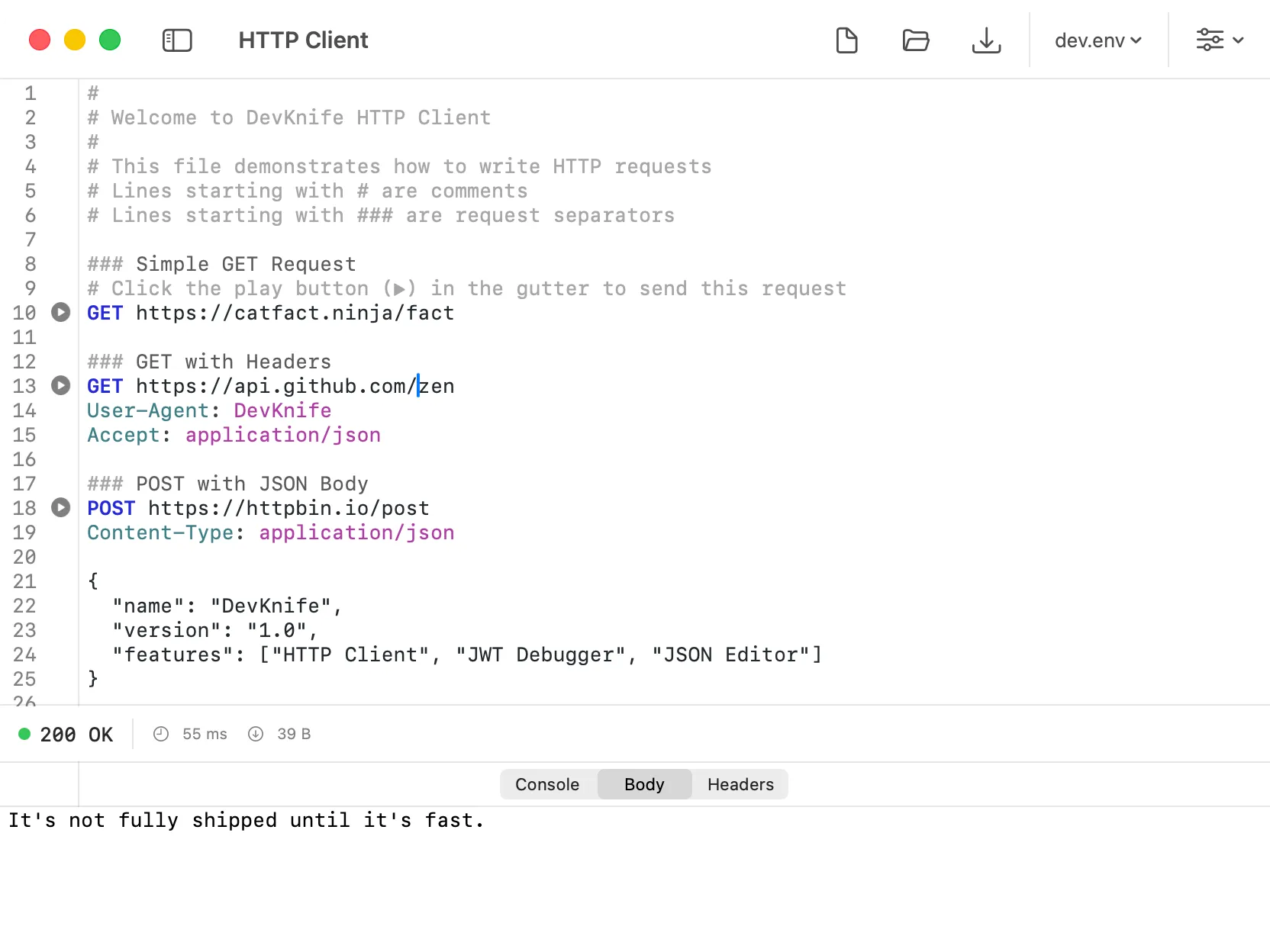
HTTP Client
Send and inspect HTTP requests with headers, body, variables, and formatted responses.
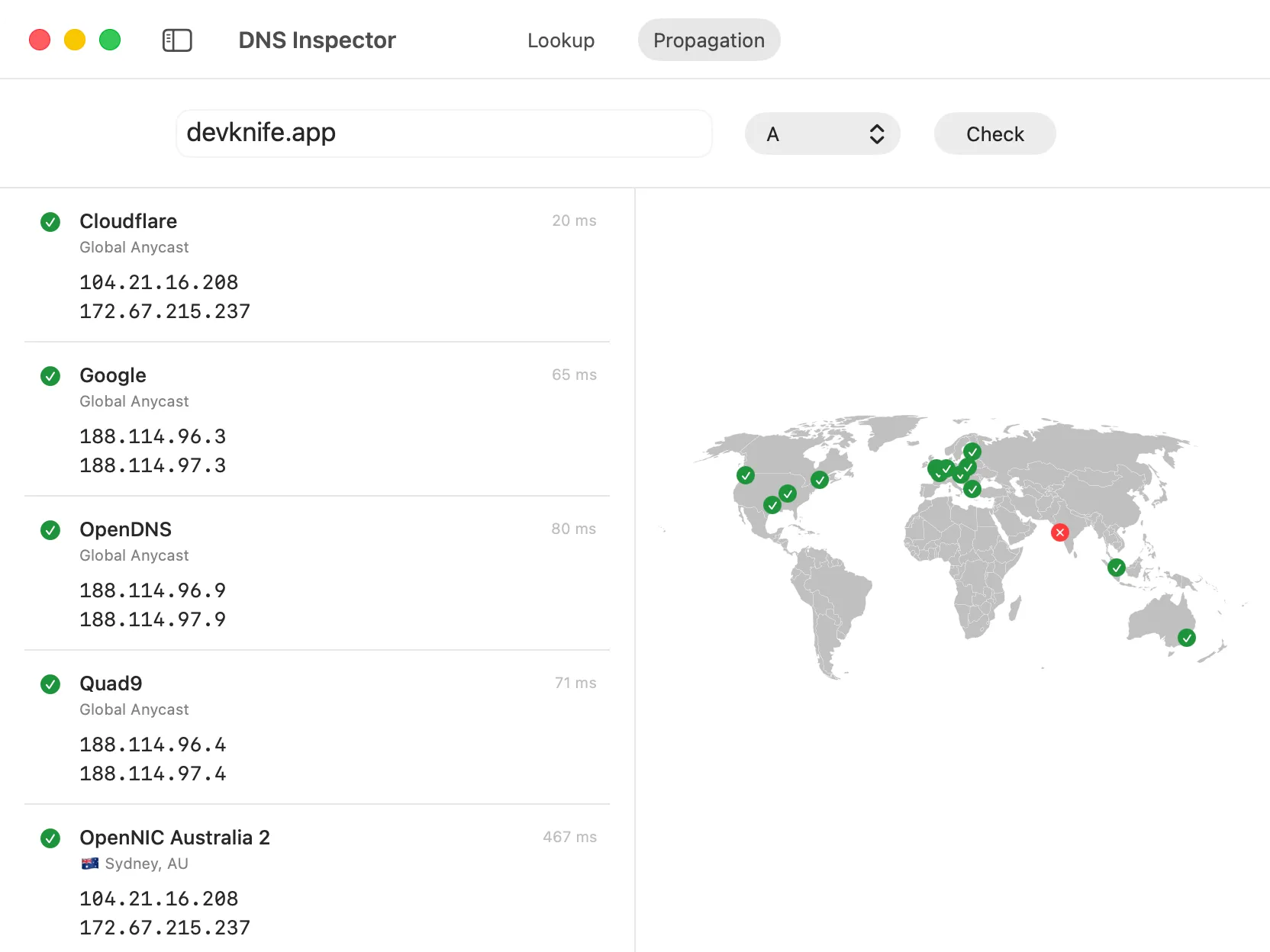
DNS Inspector
Look up public DNS records and check DNS propagation across multiple resolvers around the world.
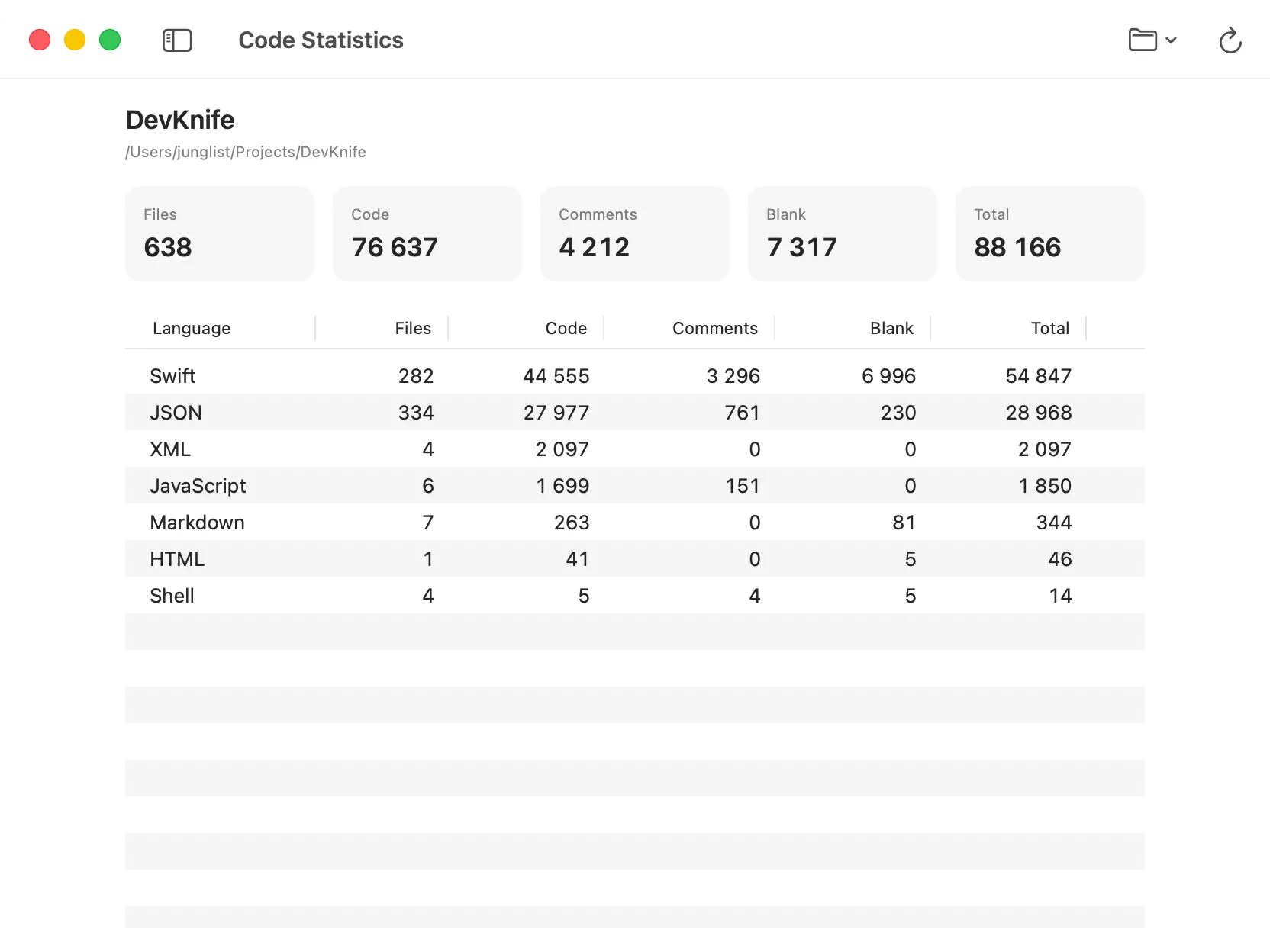
Code Statistics
Inspect code statistics for any folder, including file, code, comment, blank, and total line counts grouped by language.
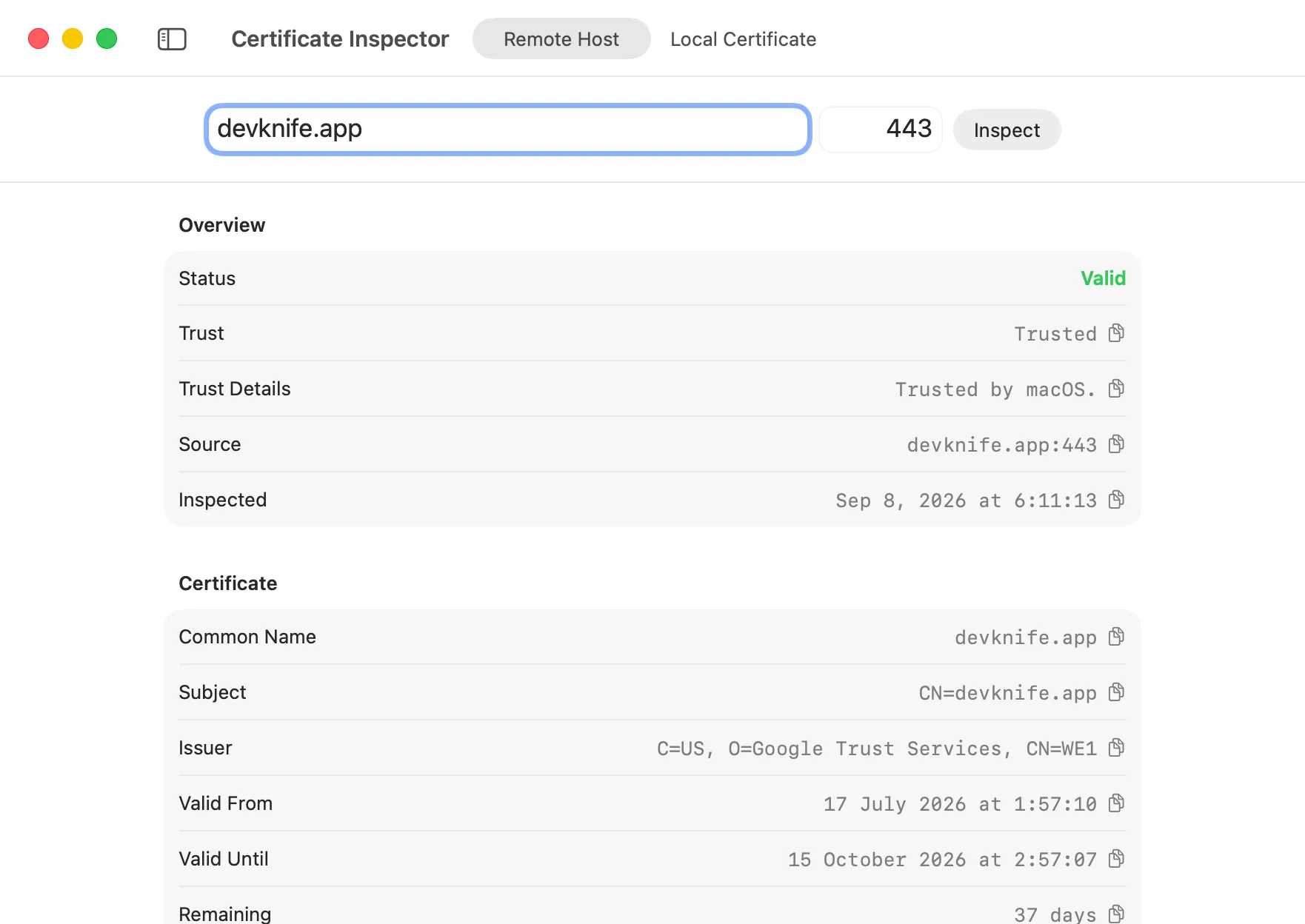
Certificate Inspector
Inspect TLS certificates from remote hosts or local files, including validity, trust, certificate chains, fingerprints, and key details.
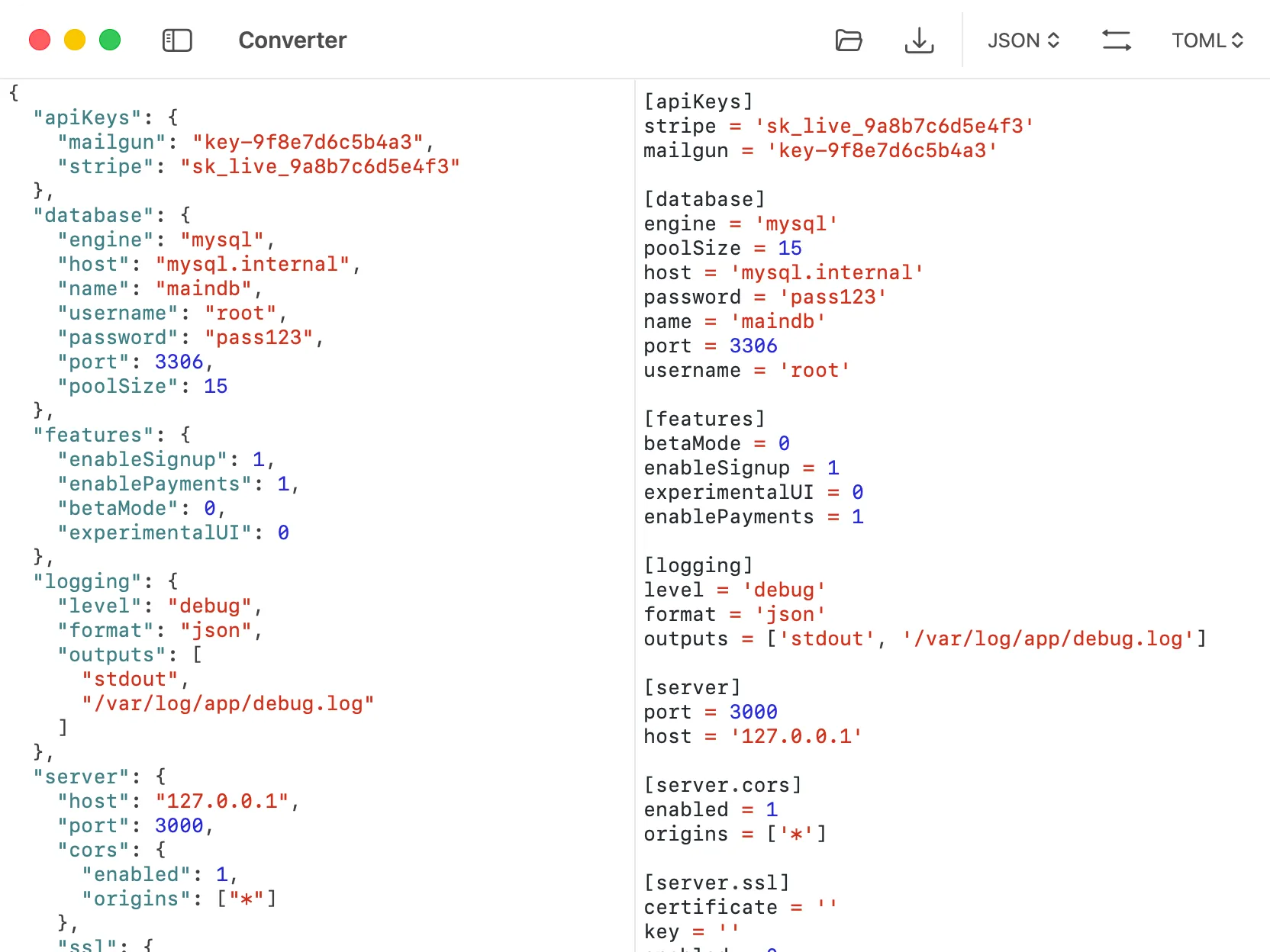
Converter
Convert data between JSON, YAML, TOML, XML, and CSV formats with instant and accurate transformations, all processed locally on your Mac.
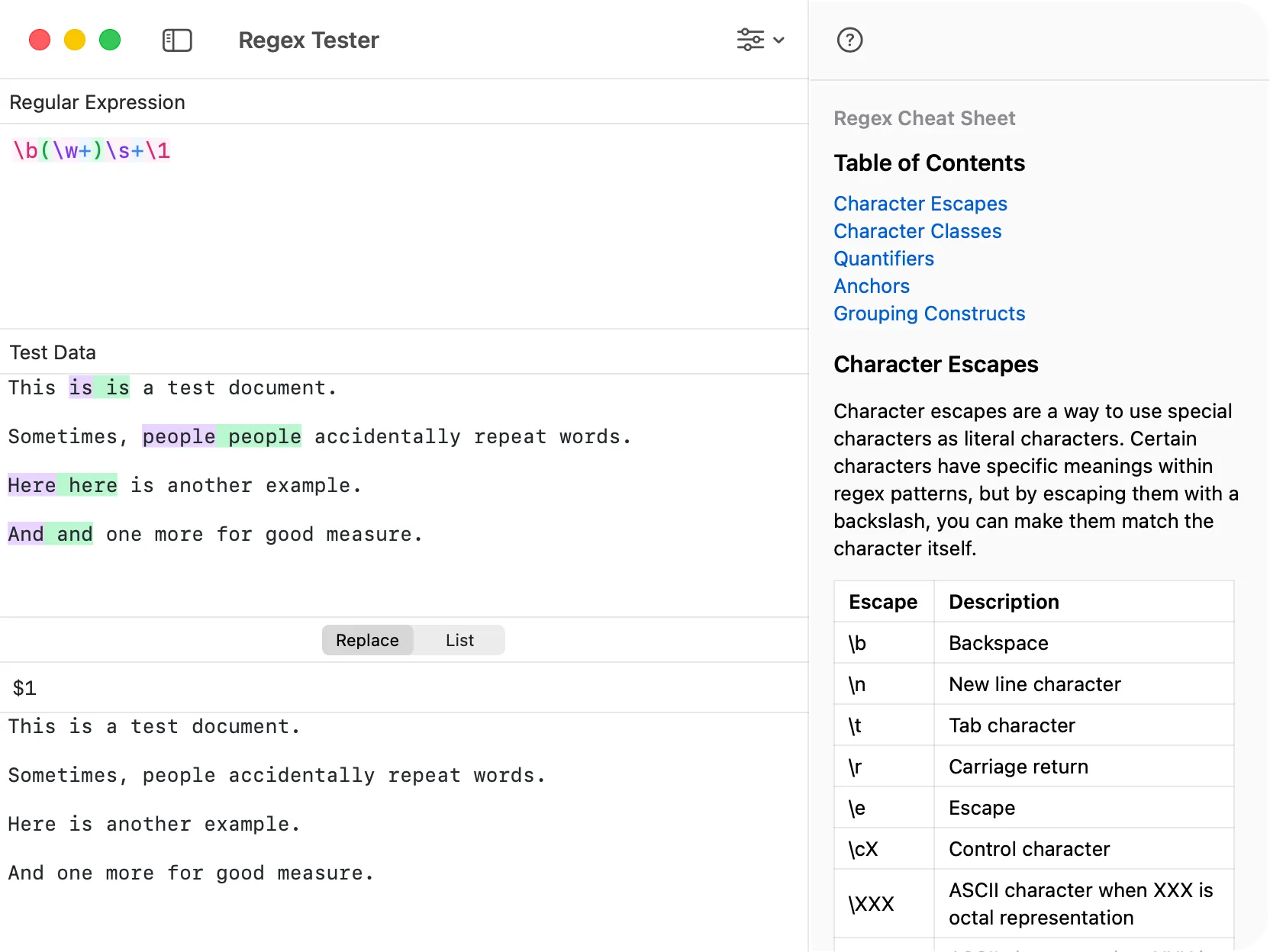
Regex Tester
Validate and debug regular expressions with real-time match highlighting and a built-in cheat sheet.
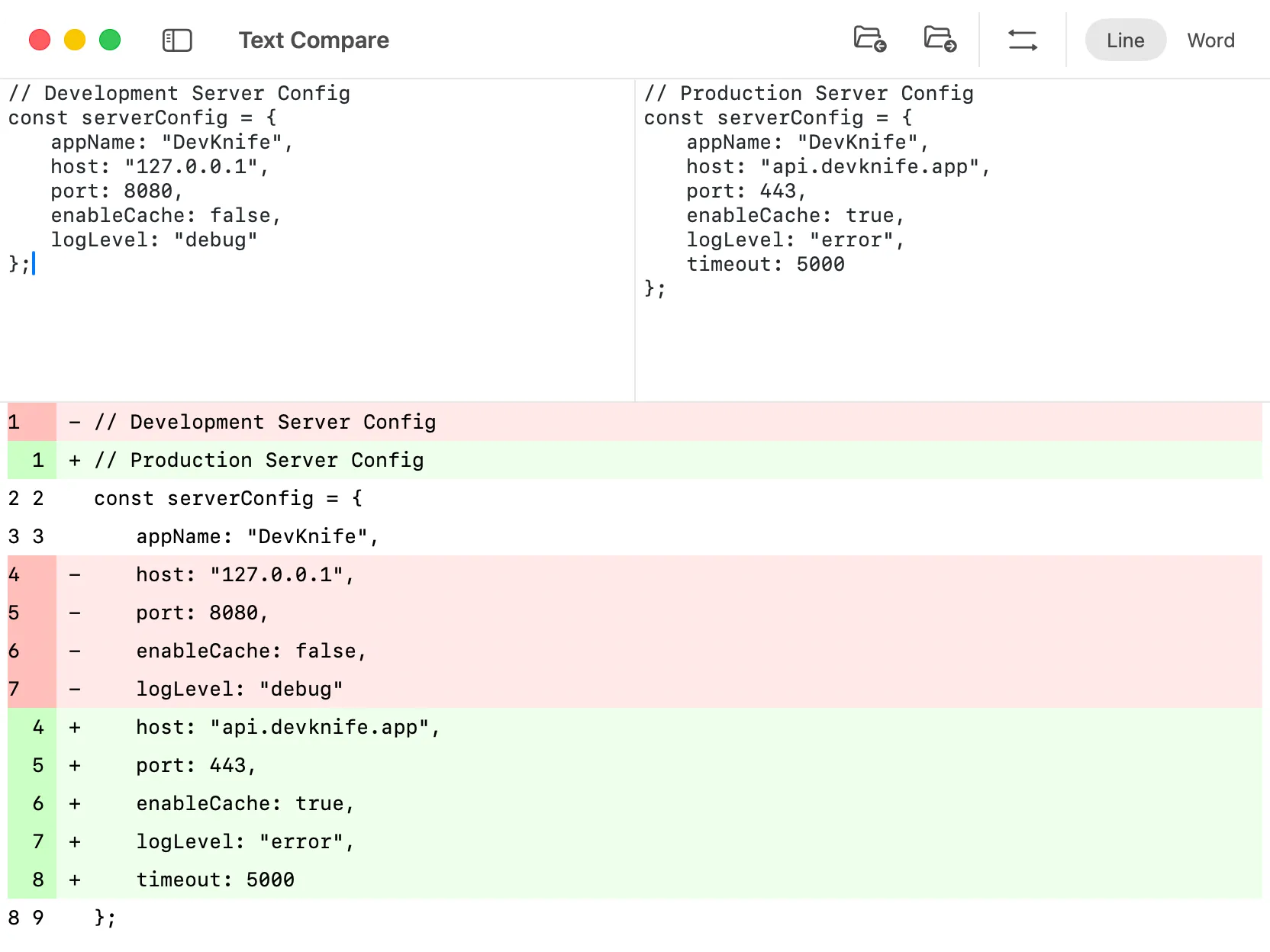
Text Compare
Compare two blocks of text and instantly spot the differences. Highlight changes in a clear, side-by-side view.
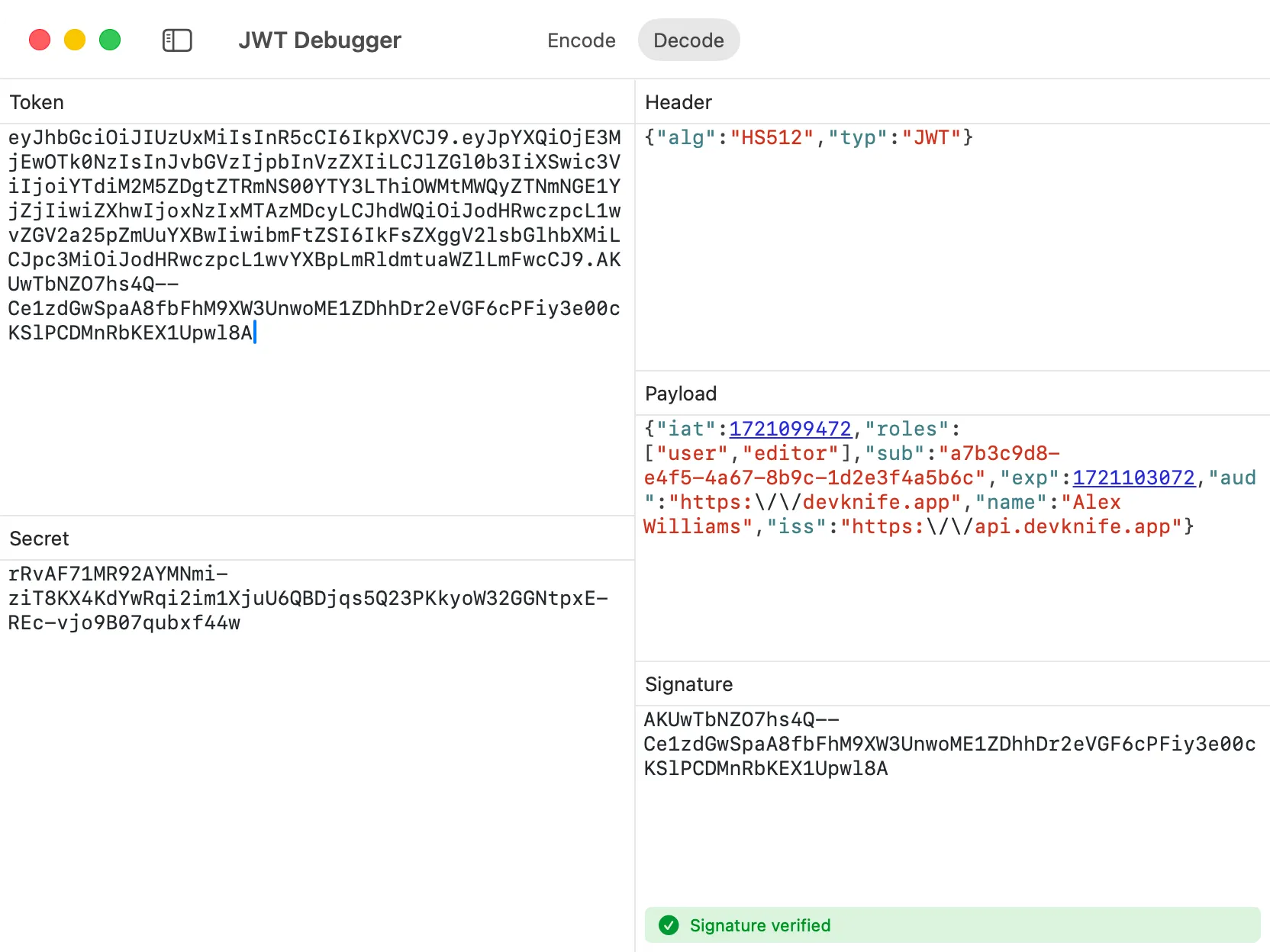
JWT Debugger
Instantly decode JSON Web Tokens and view their header, payload, and signature in a clean, readable format.
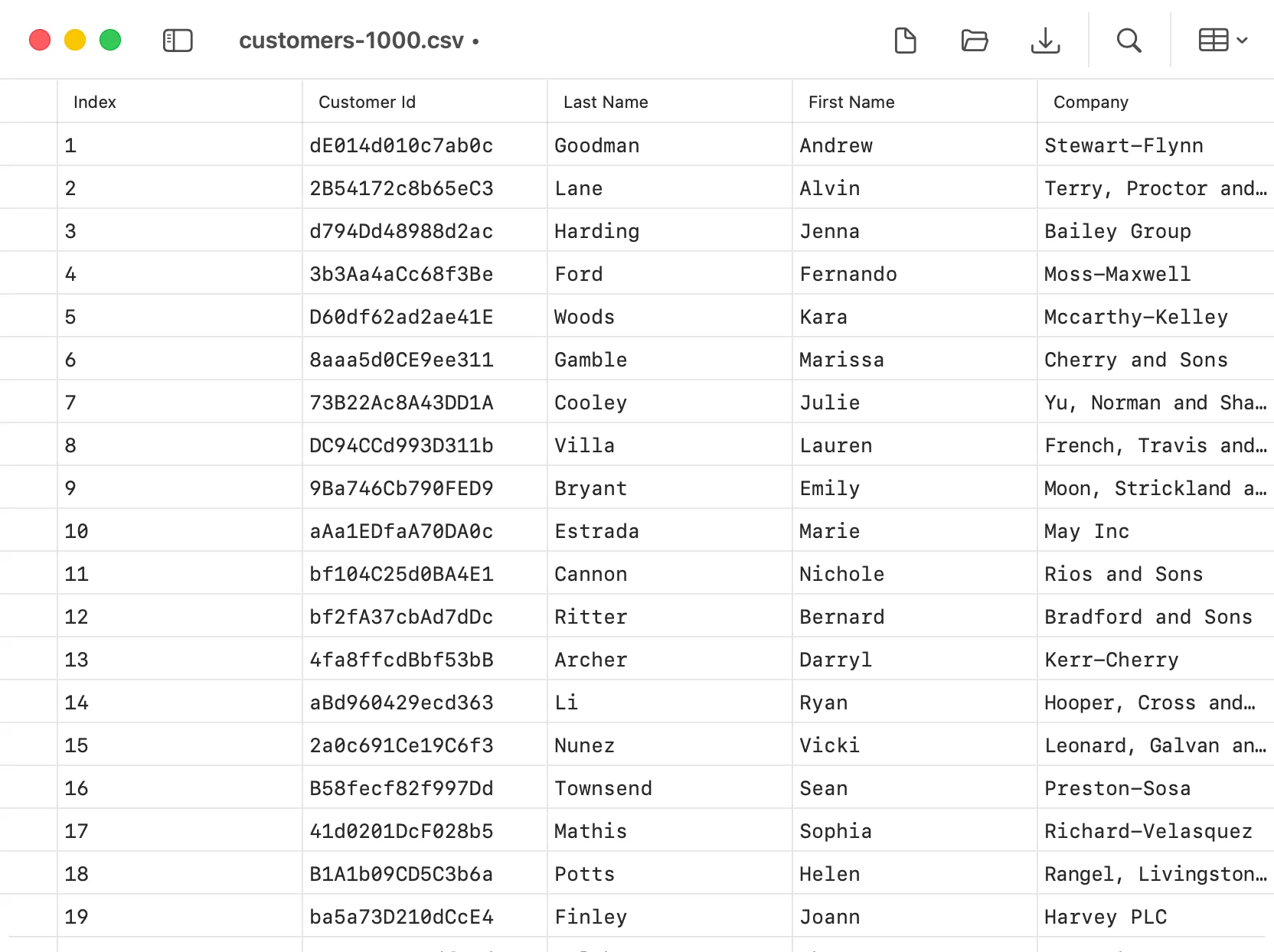
CSV Editor
Open, edit, search, and save CSV files in a clean spreadsheet-like table.
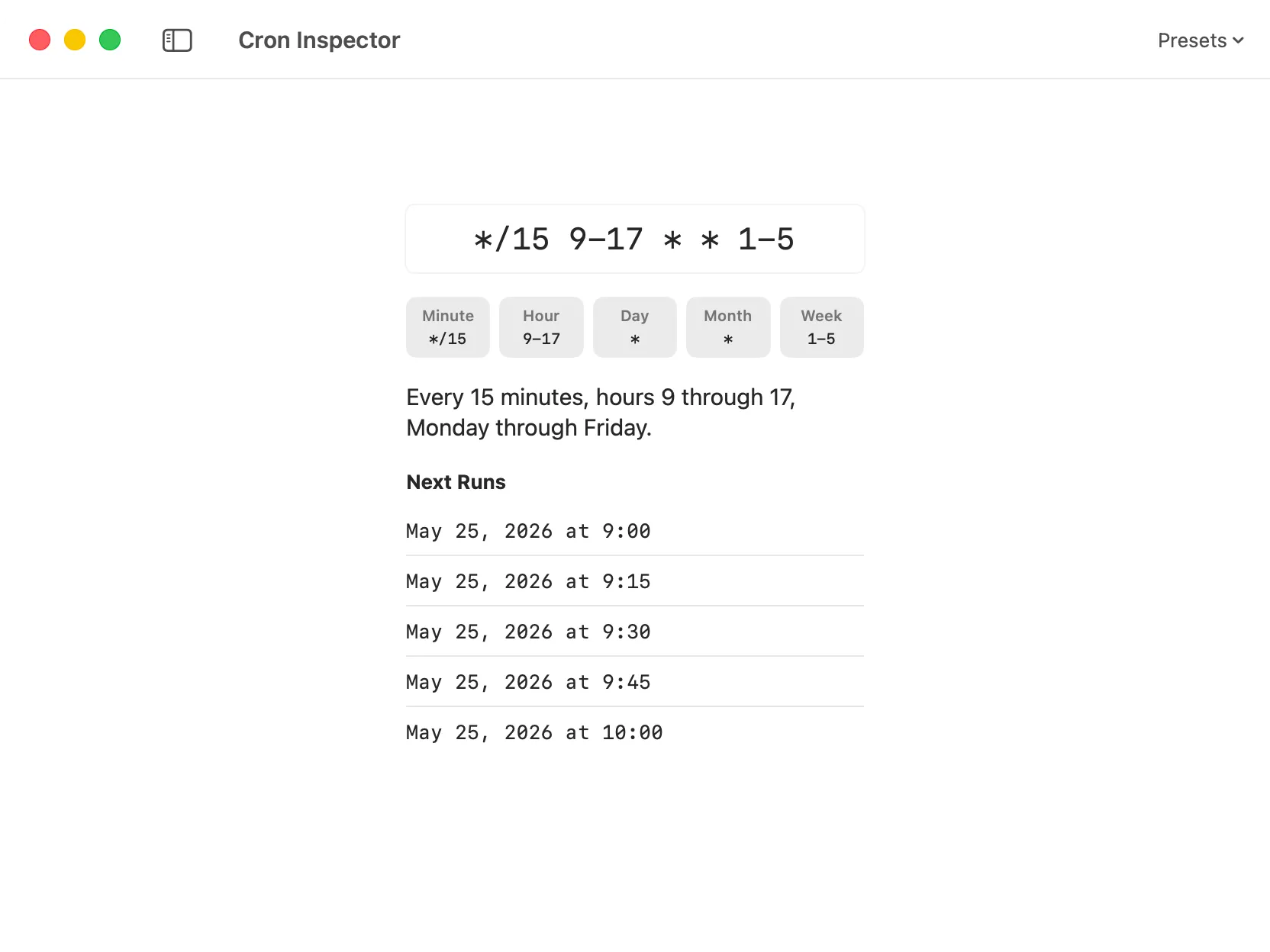
Cron Inspector
Parse cron expressions into readable schedules and preview upcoming run dates before using them in crontabs or job schedulers.
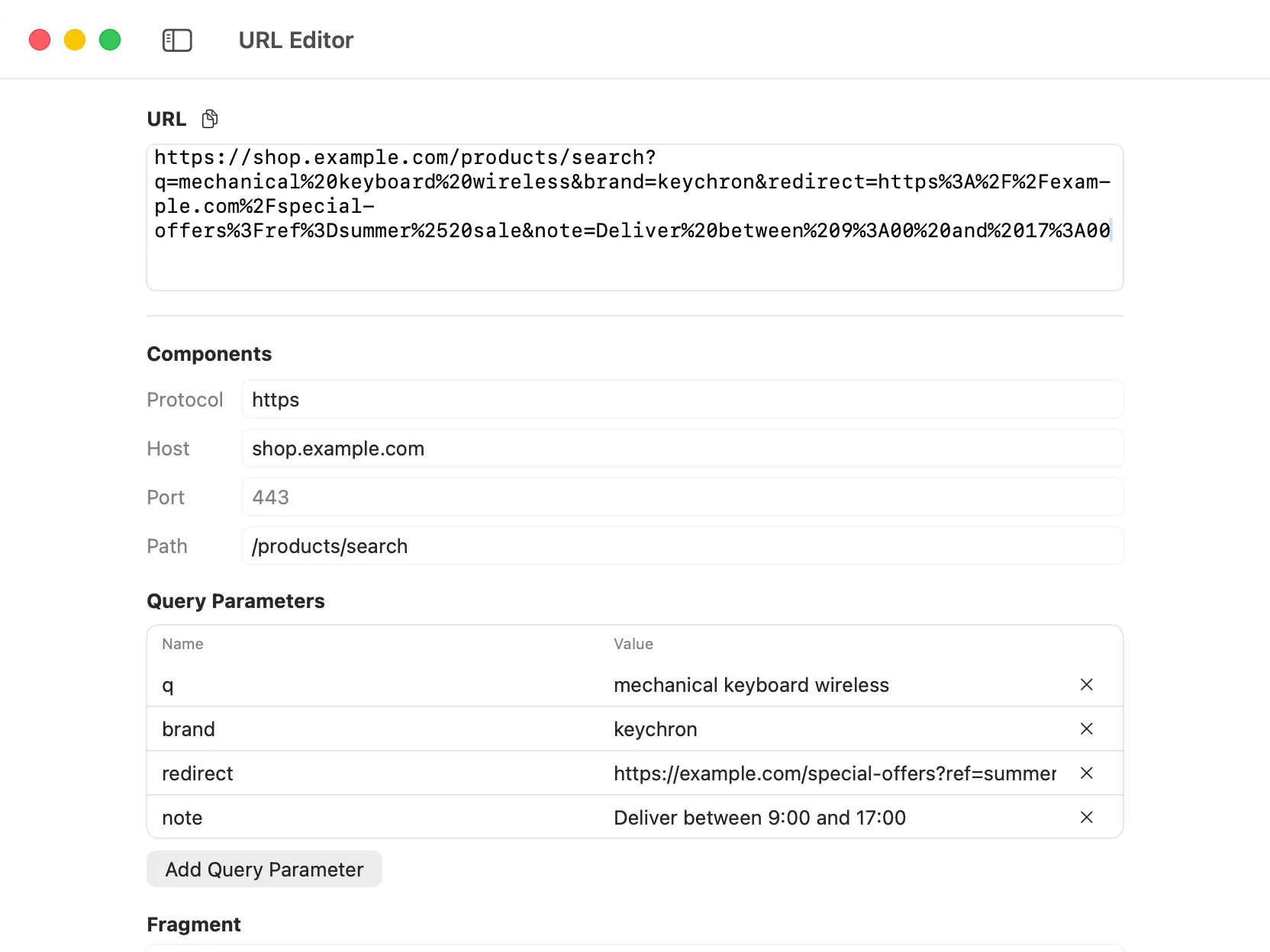
URL Editor
Break URLs into editable components, including protocol, host, path, query parameters, and fragments, then rebuild the final URL automatically.
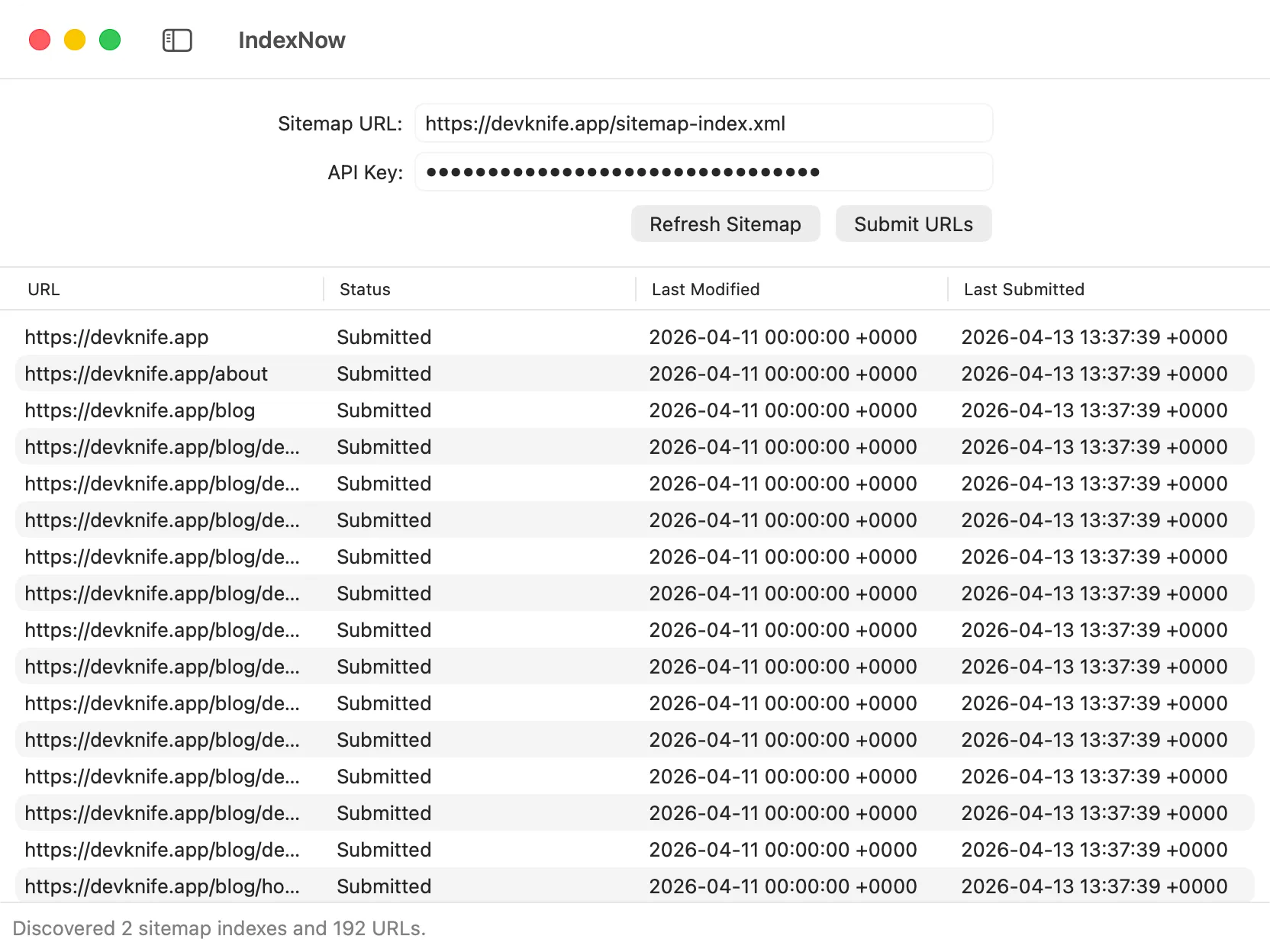
IndexNow
Submit your sitemap URLs directly to search engines supporting the IndexNow protocol, keeping your content always up to date.
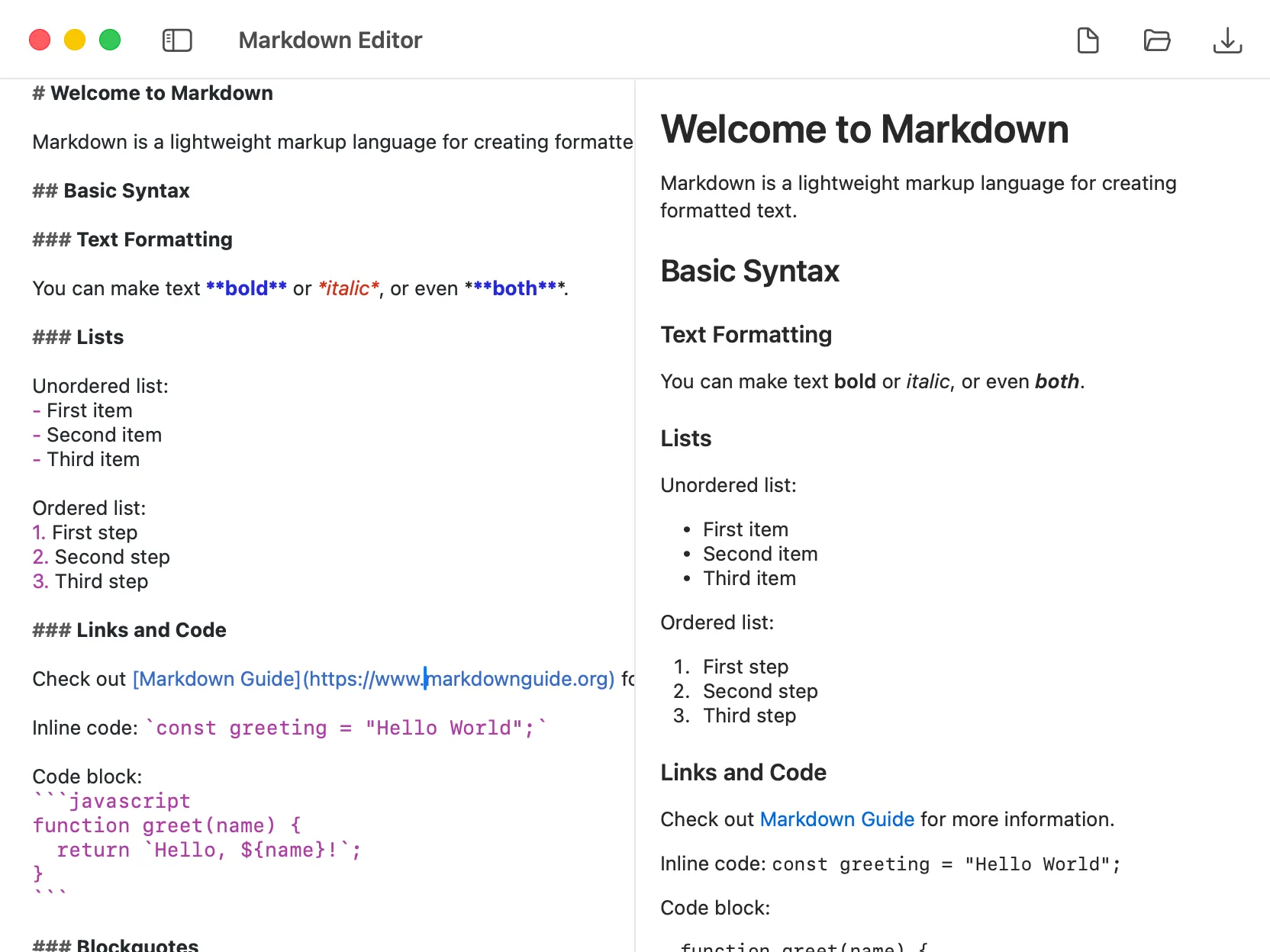
Markdown Editor
Write and preview Markdown in real time with syntax highlighting and a live preview panel.
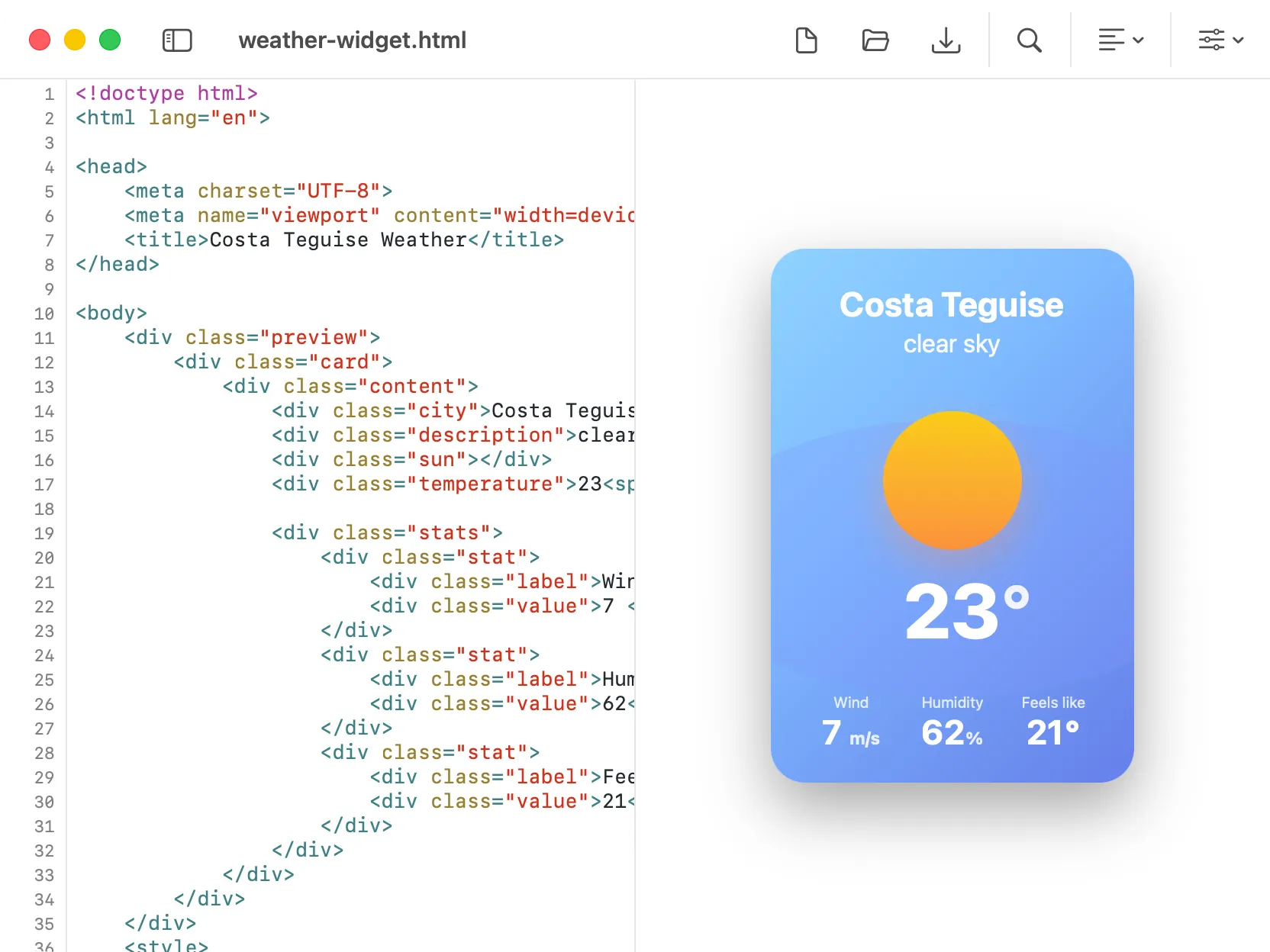
HTML Editor
Edit HTML with syntax highlighting, live preview, formatting, and minification.
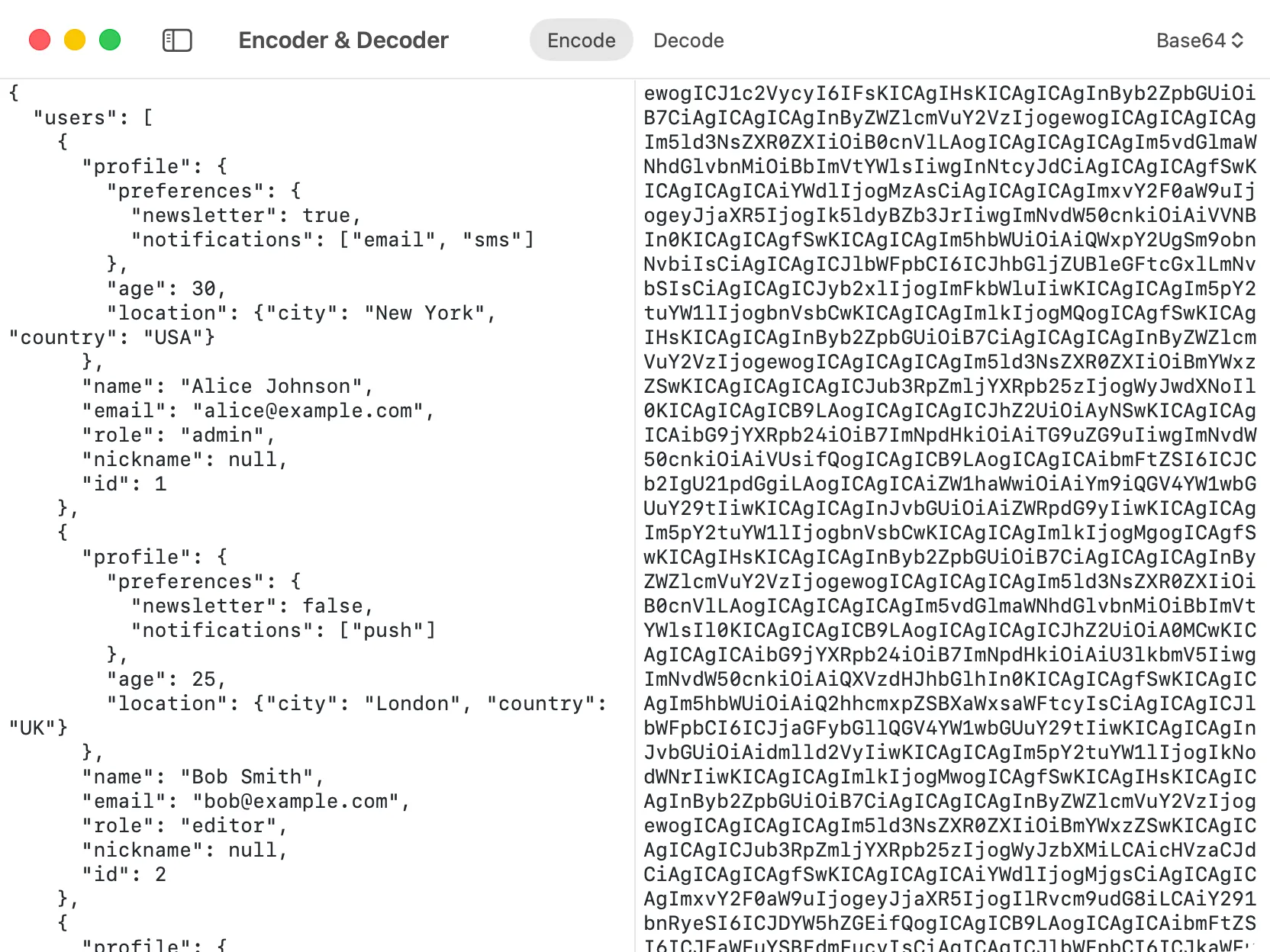
Encoder & Decoder
Easily convert data between human readable and encoded formats. Includes support for Base64, URL encoding, and HTML.
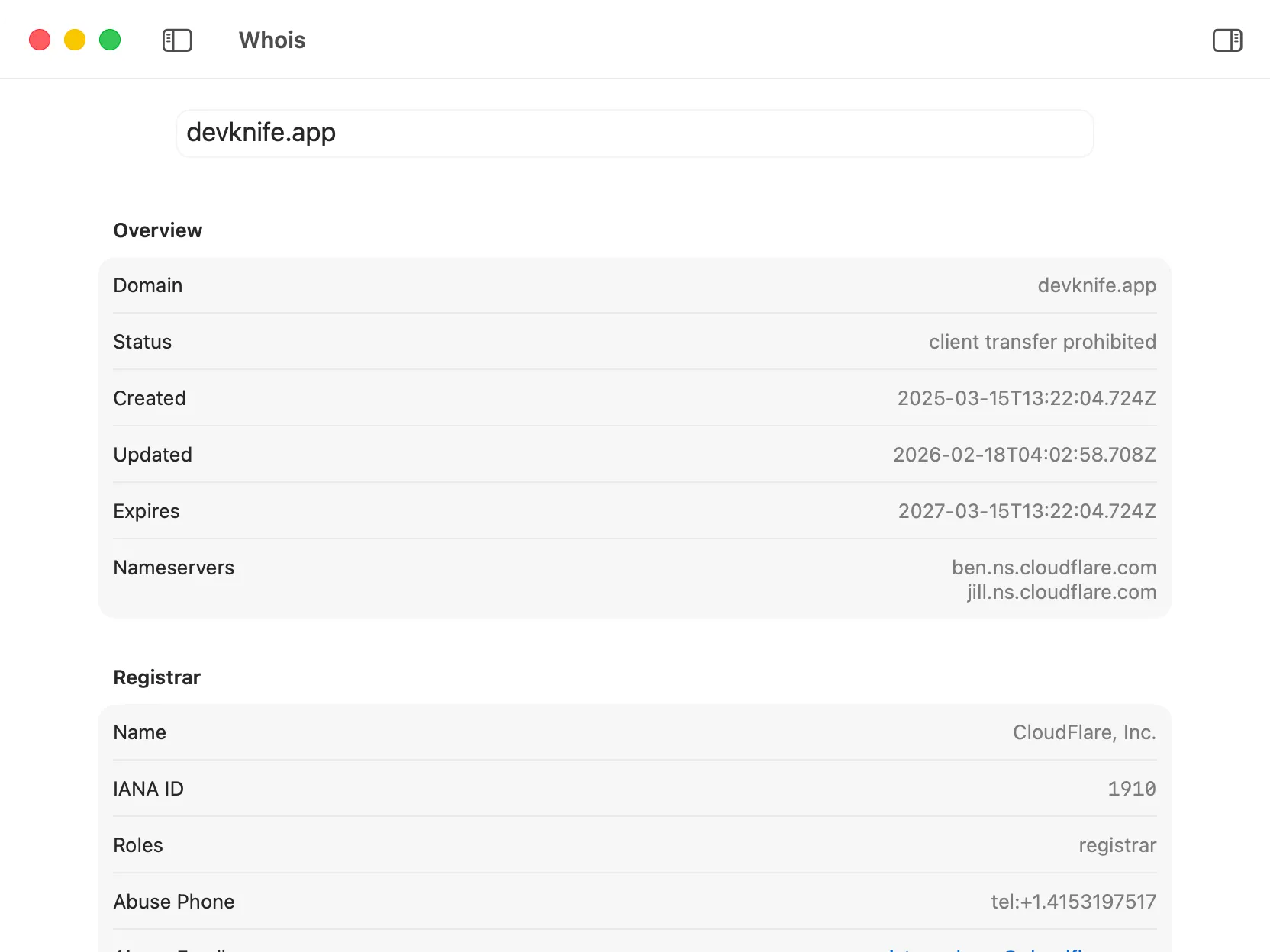
Domain & IP WHOIS
Access detailed Whois information for domains and IPs, including ownership, registration, and expiration data.
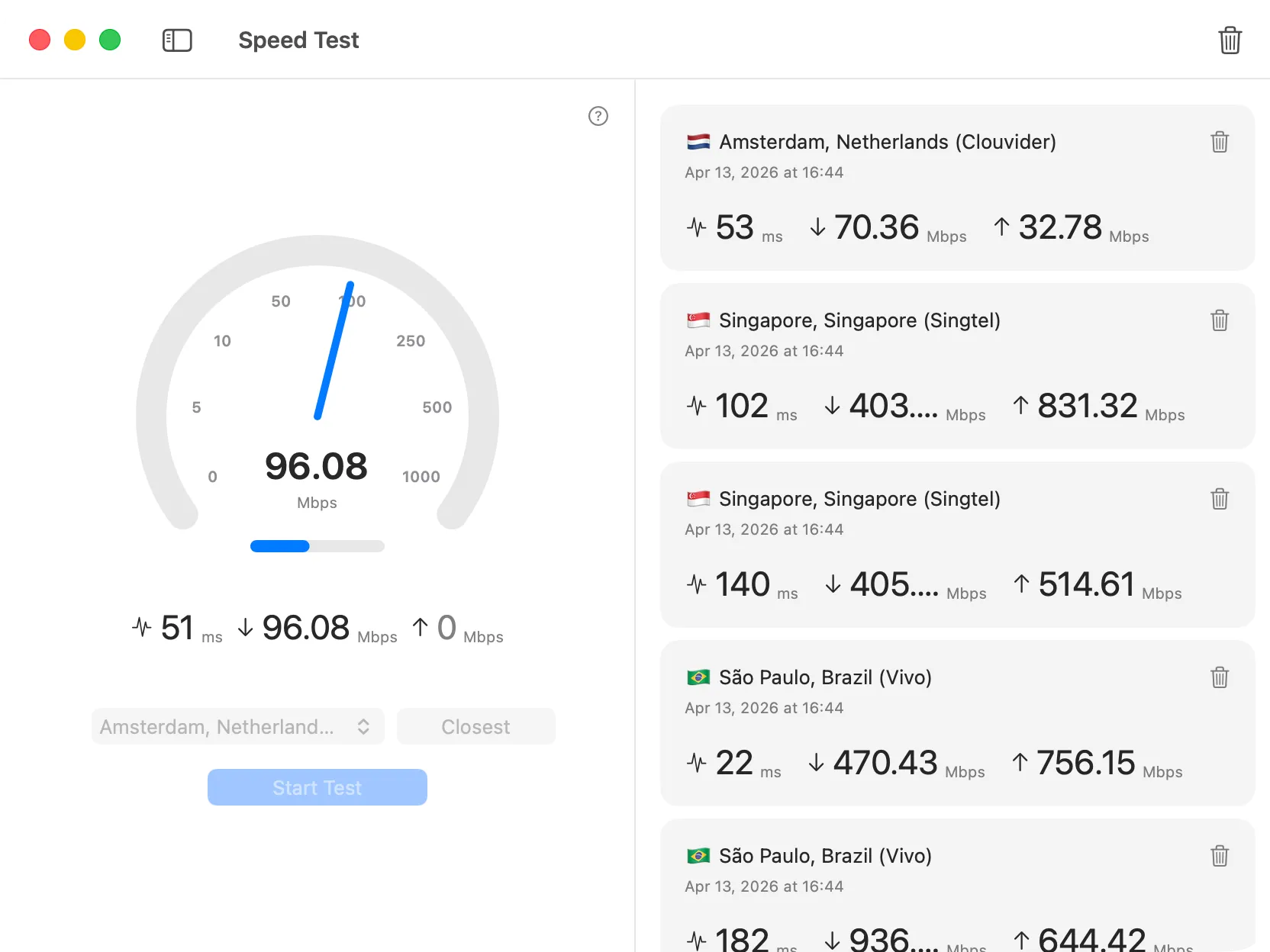
Network Speed Test
Measure your internet speed with real-time download, upload, and latency metrics to ensure optimal network performance.
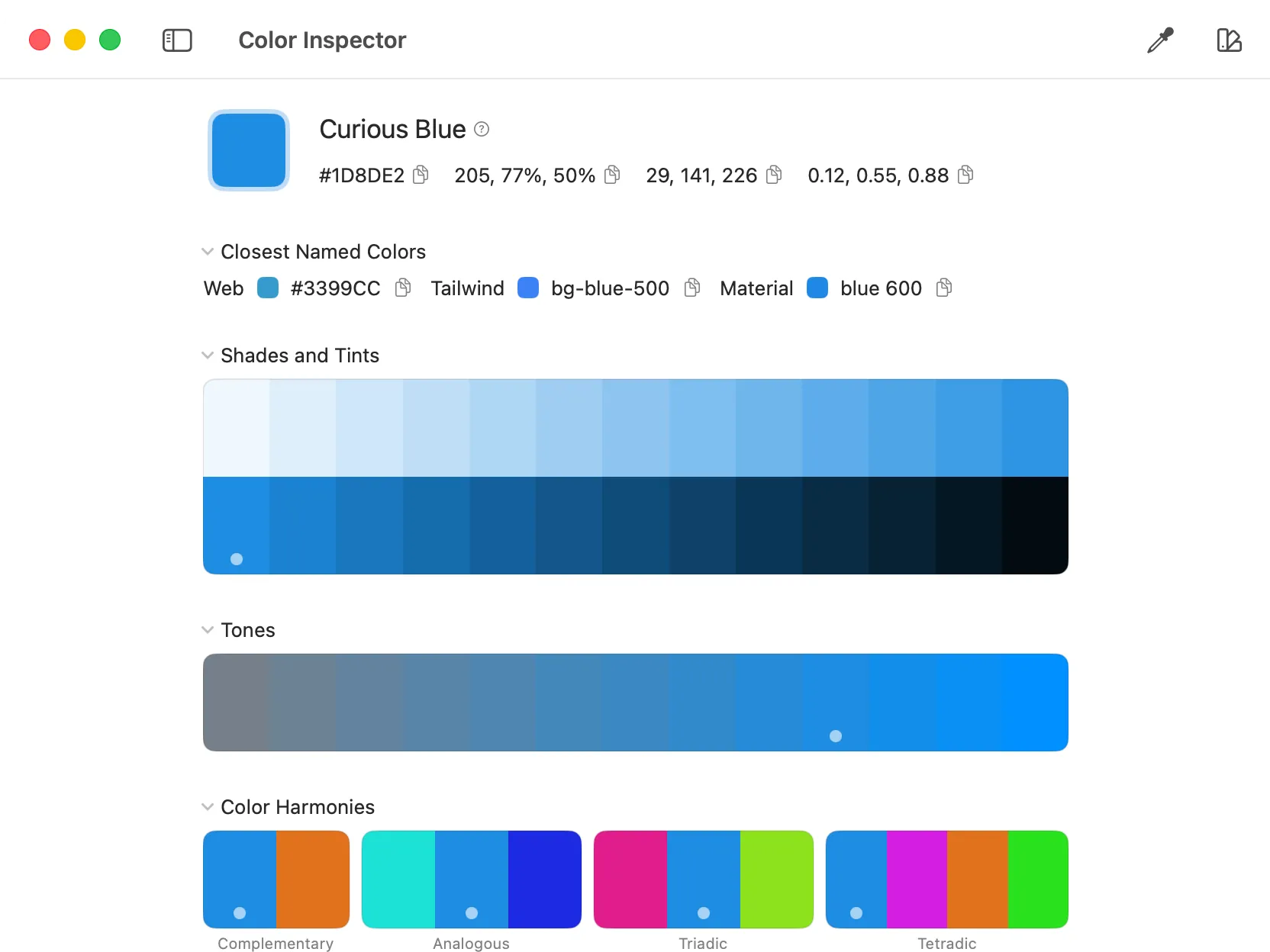
Color Inspector
Select and convert colors across HEX, RGB, and HSL formats with a versatile picker.
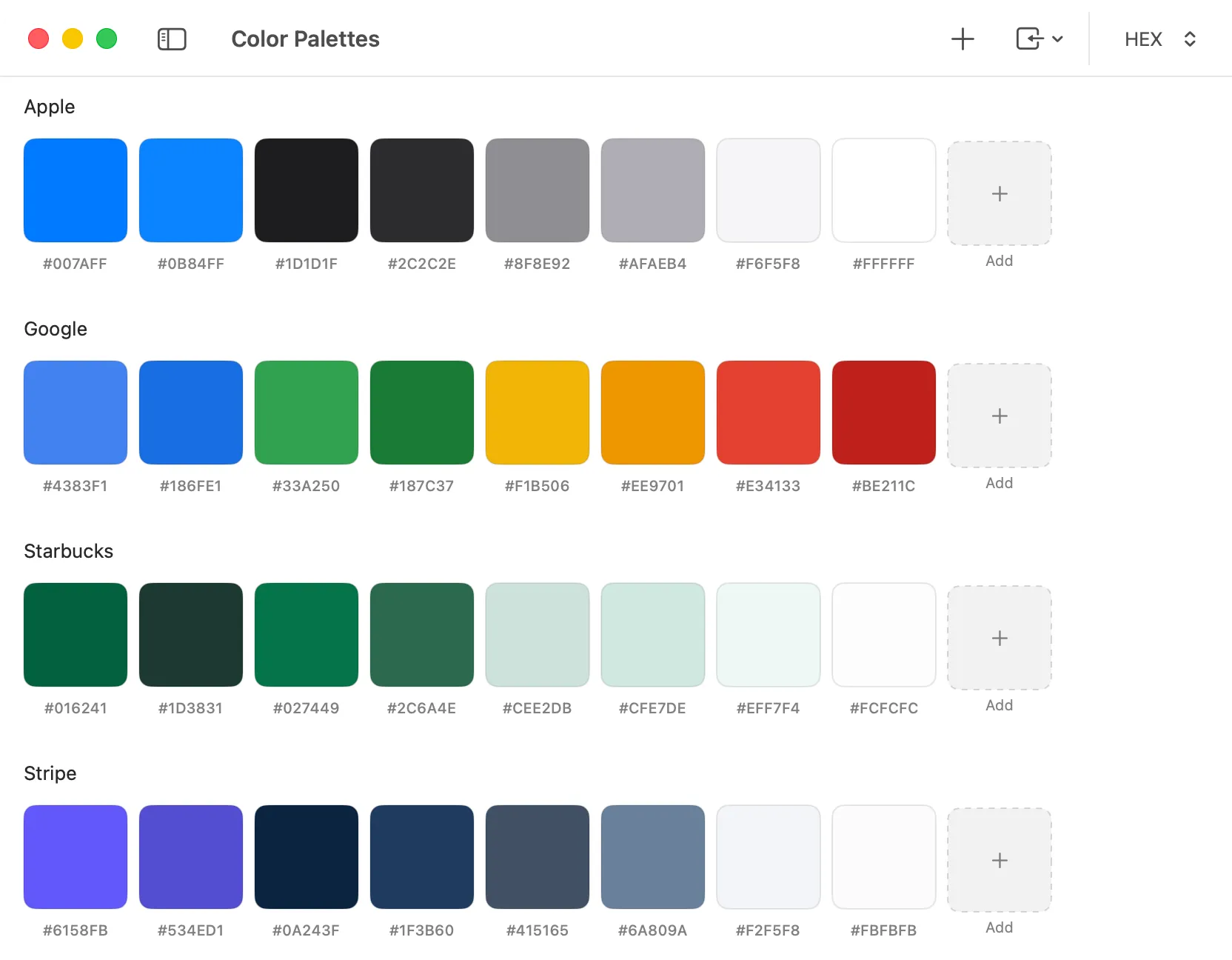
Color Palettes
Build color palettes and export them wherever you design or code.
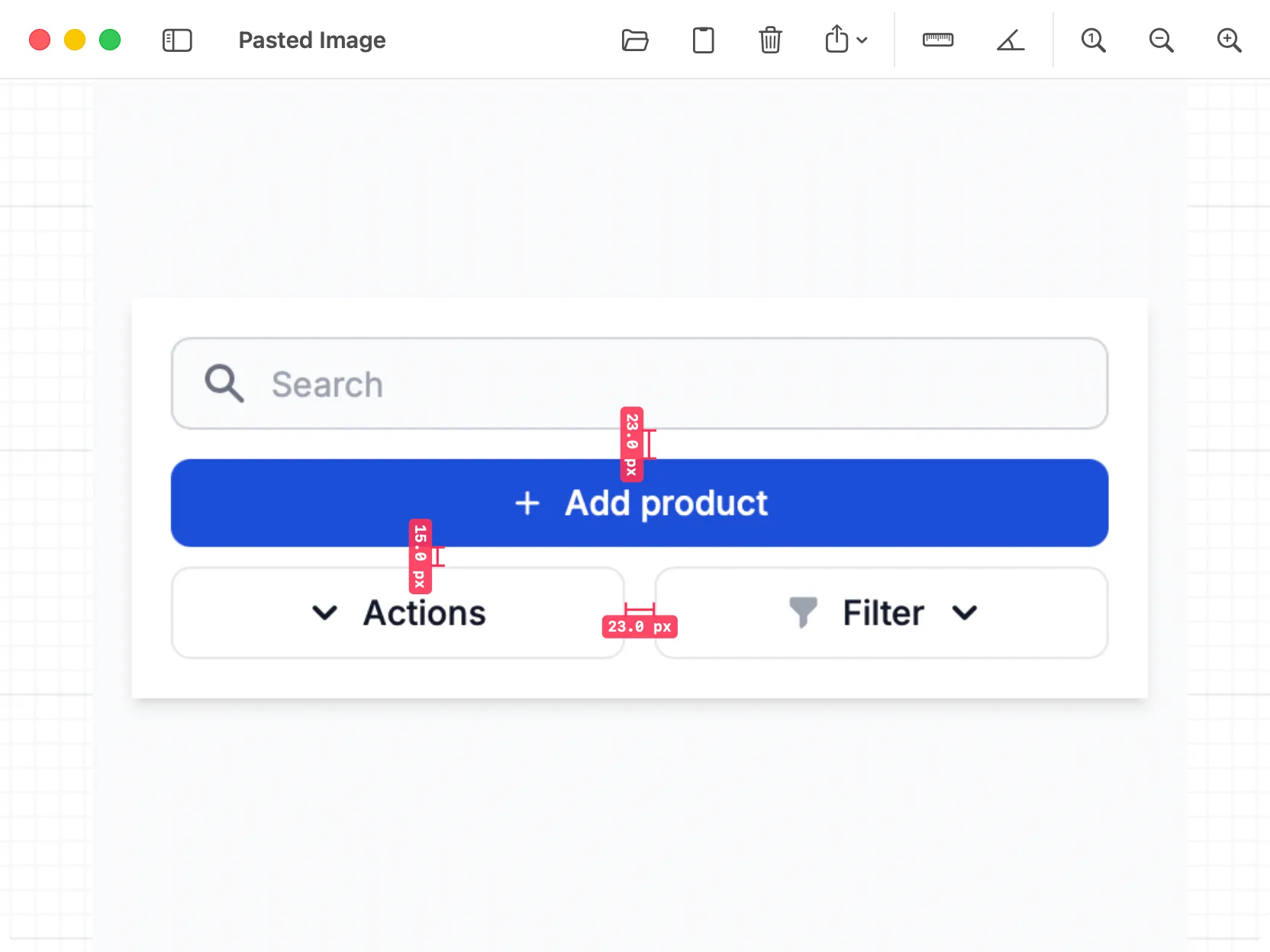
Ruler
Measure distances and angles on images and export marked-up results.
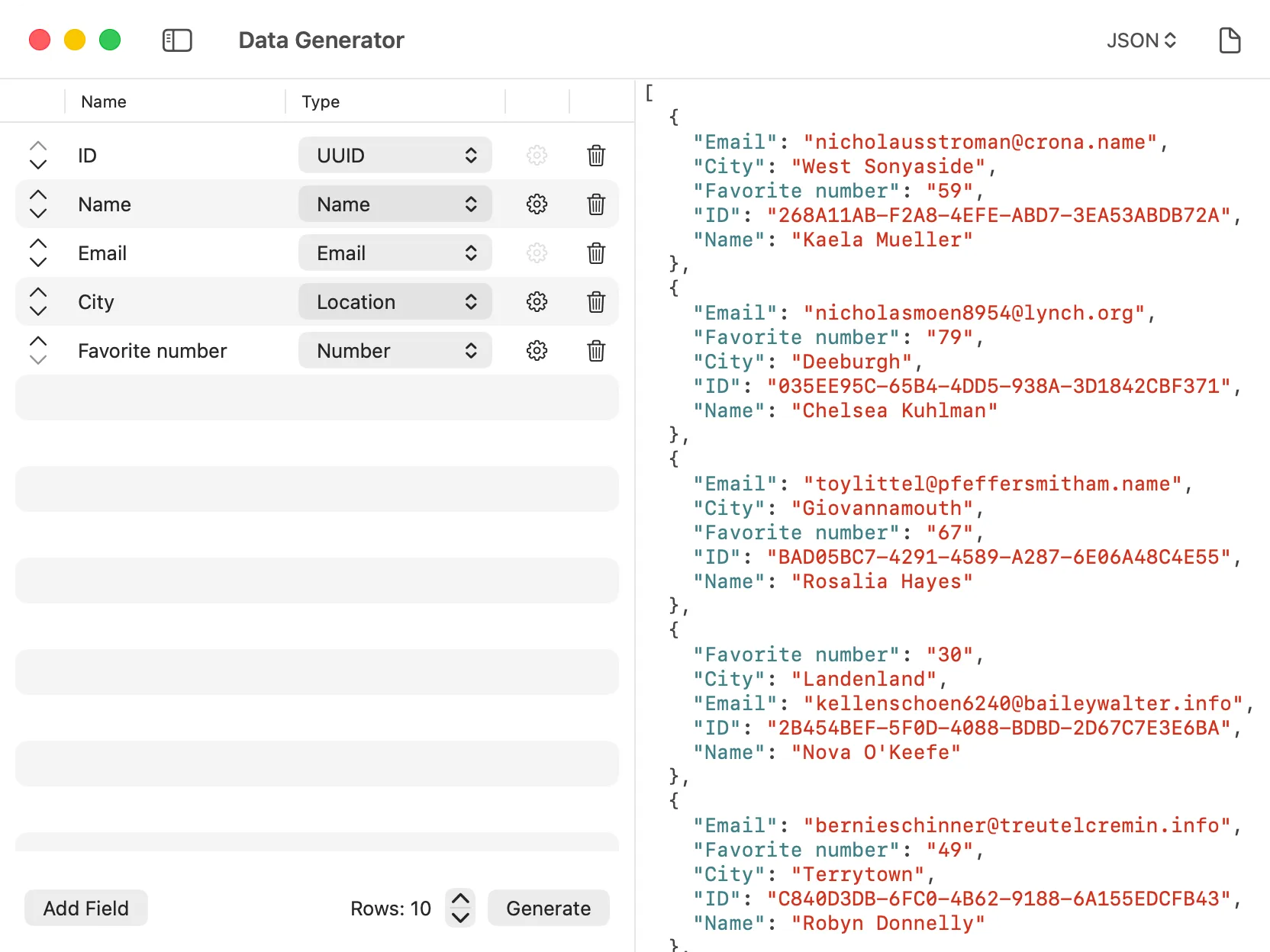
Data Generator
Generate structured test data for development and prototyping, including names, addresses, numbers, and more.
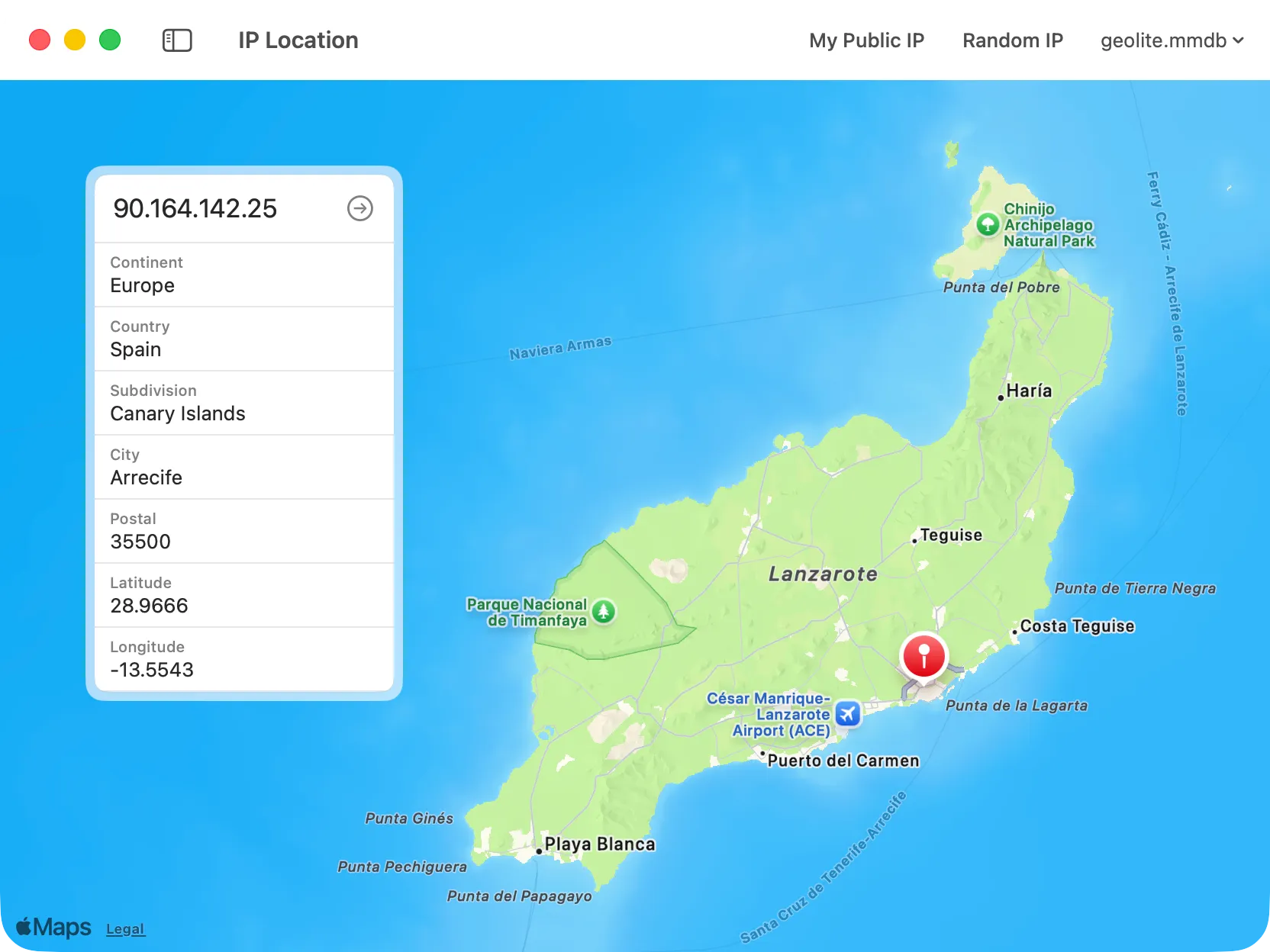
IP Location
Find the geographical location of an IP address, including country, region, and city information, using a local MMDB-supported database.
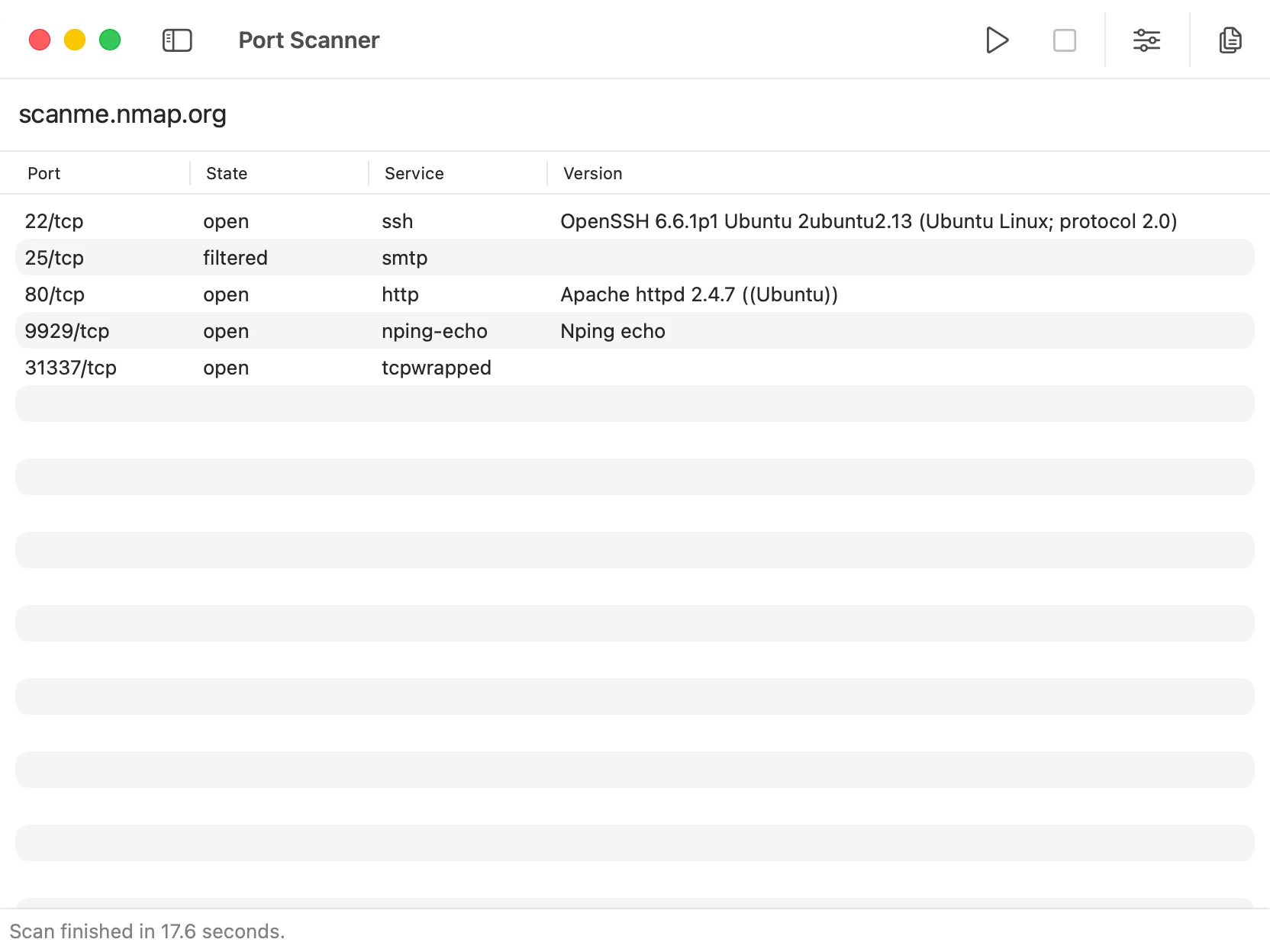
Port Scanner
Scan ports to test connectivity, verify services, or check firewall settings.
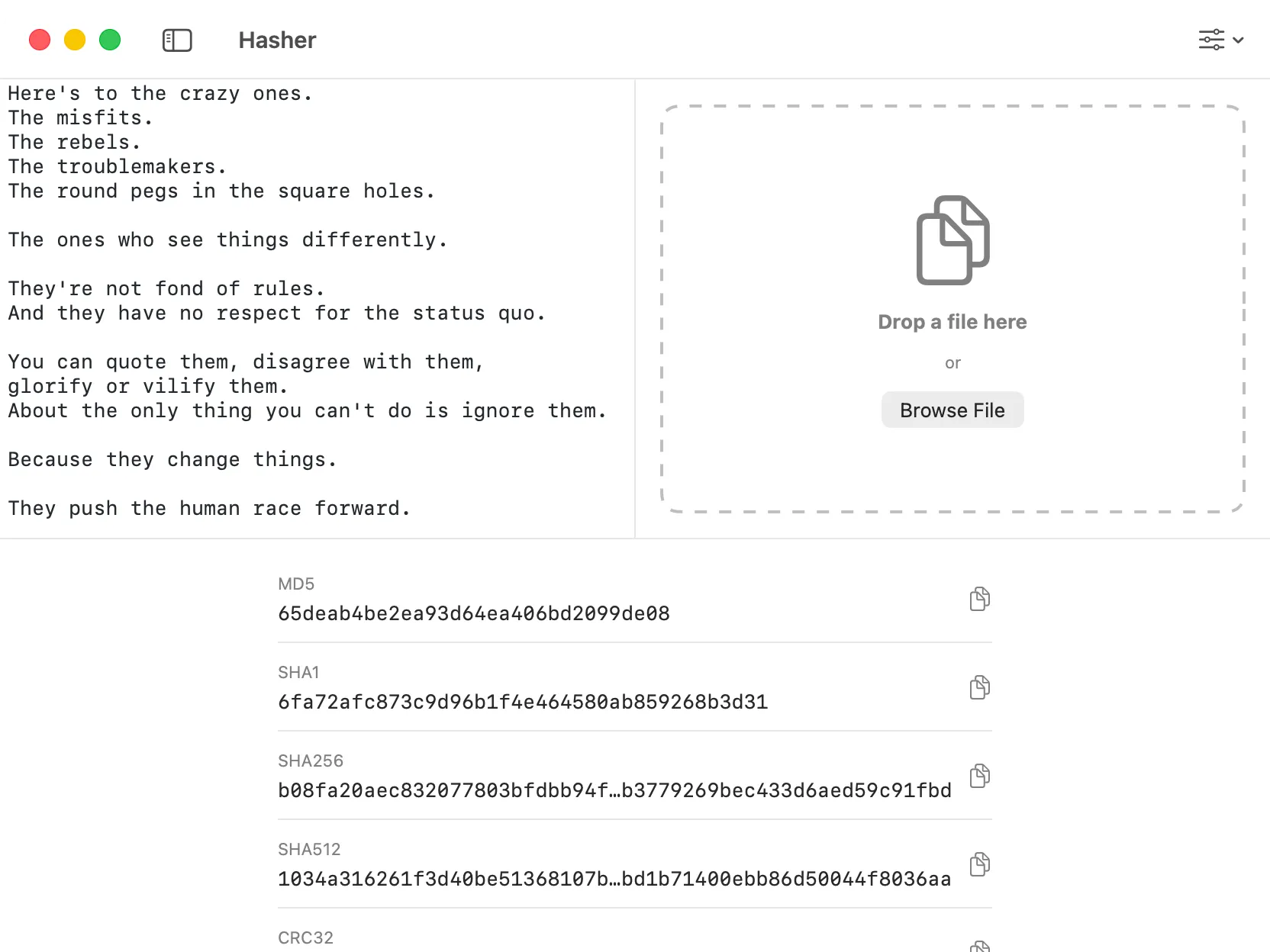
Hasher
Hash text or files using MD5, SHA-1, SHA-256, and other algorithms.
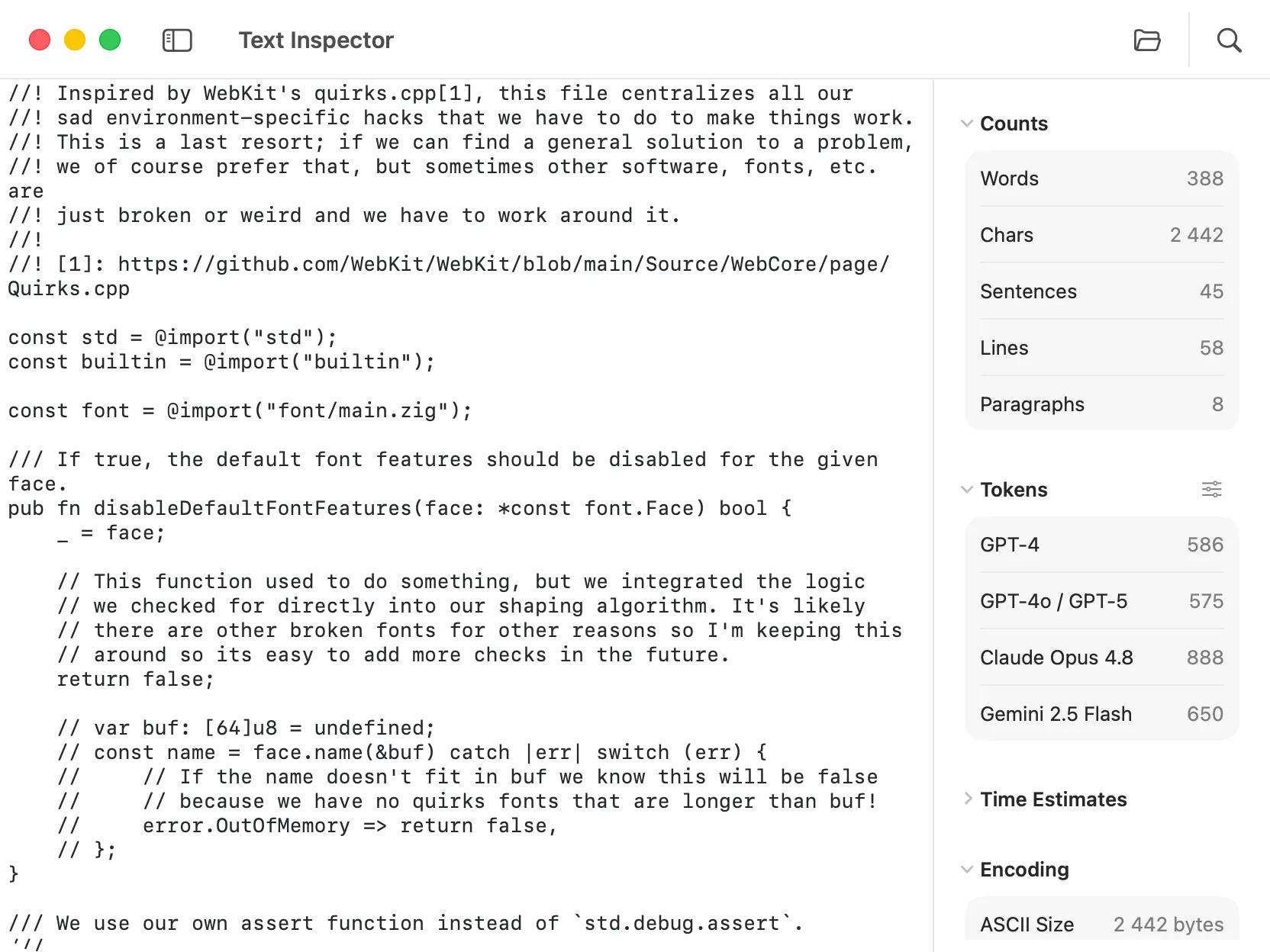
Text Inspector
Analyze text with word, character, and line counts, reading time, encoding info, and token counts for ChatGPT, Claude, and Gemini.
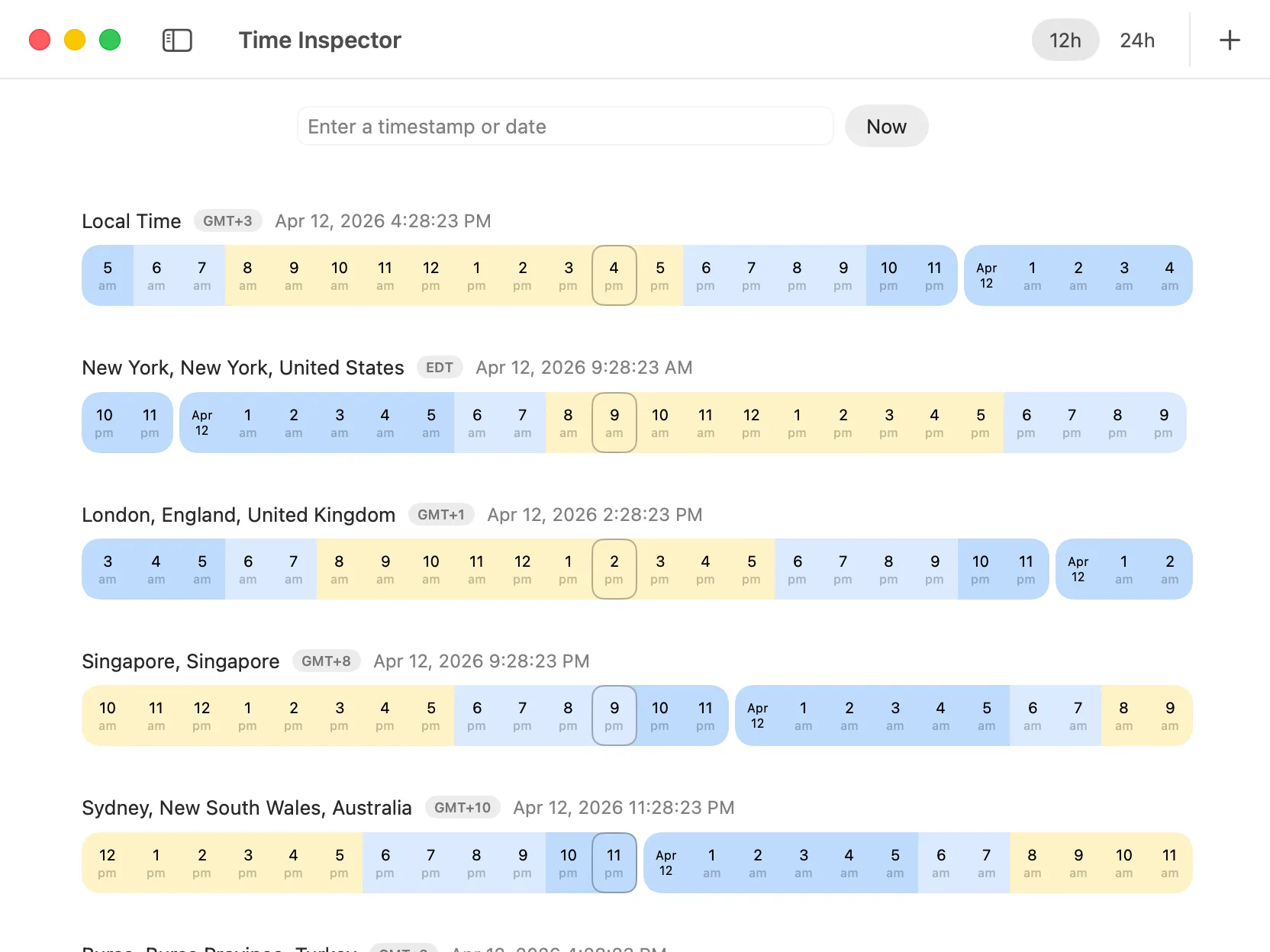
Time Inspector
Convert between timestamps and human‑readable dates, check local time across multiple zones, and visualize a 24‑hour timeline for each location.
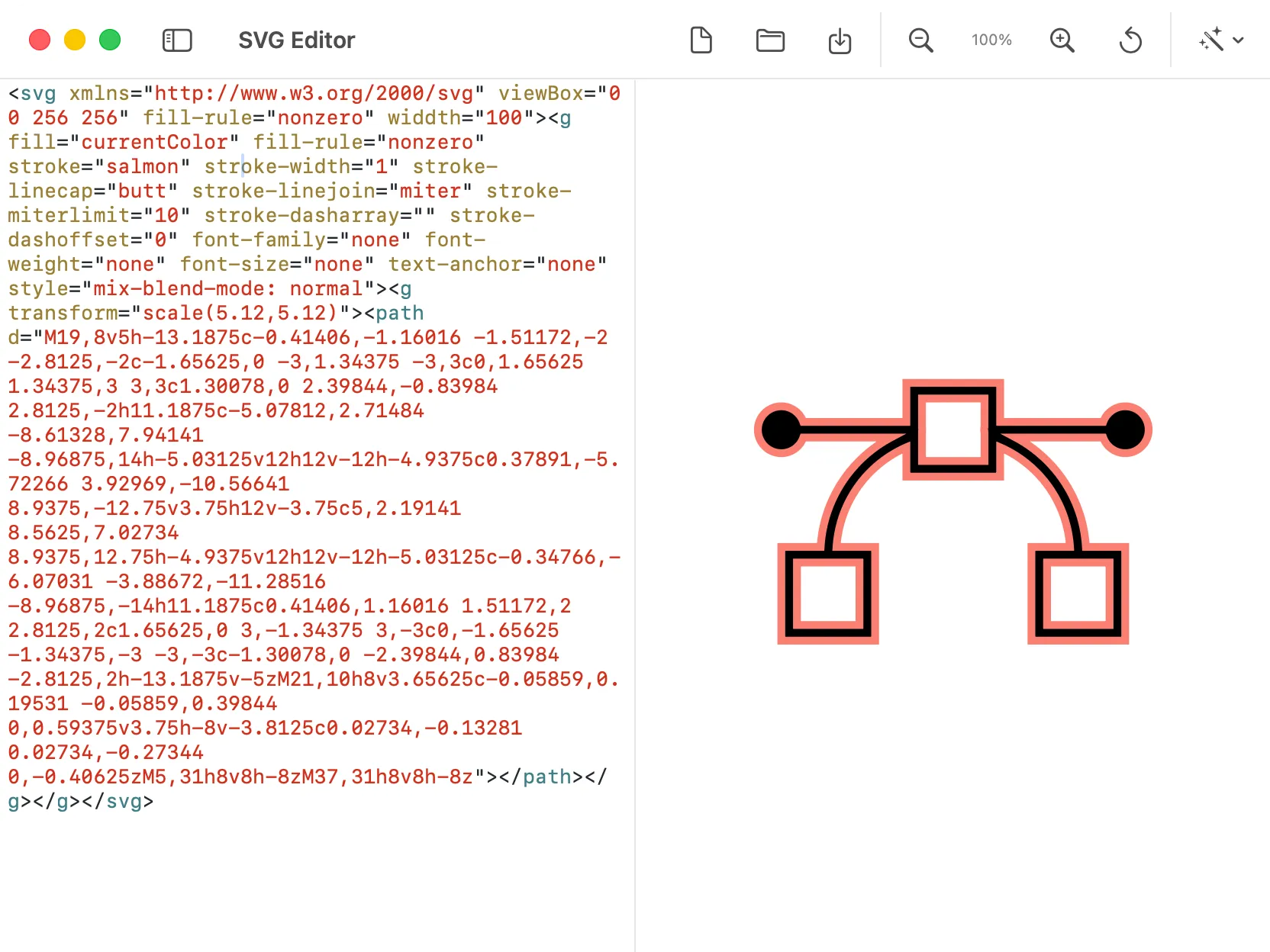
SVG Editor
Inspect, format, and optimize SVG code. Includes quick actions to minify, remove dimensions, and export as PNG.
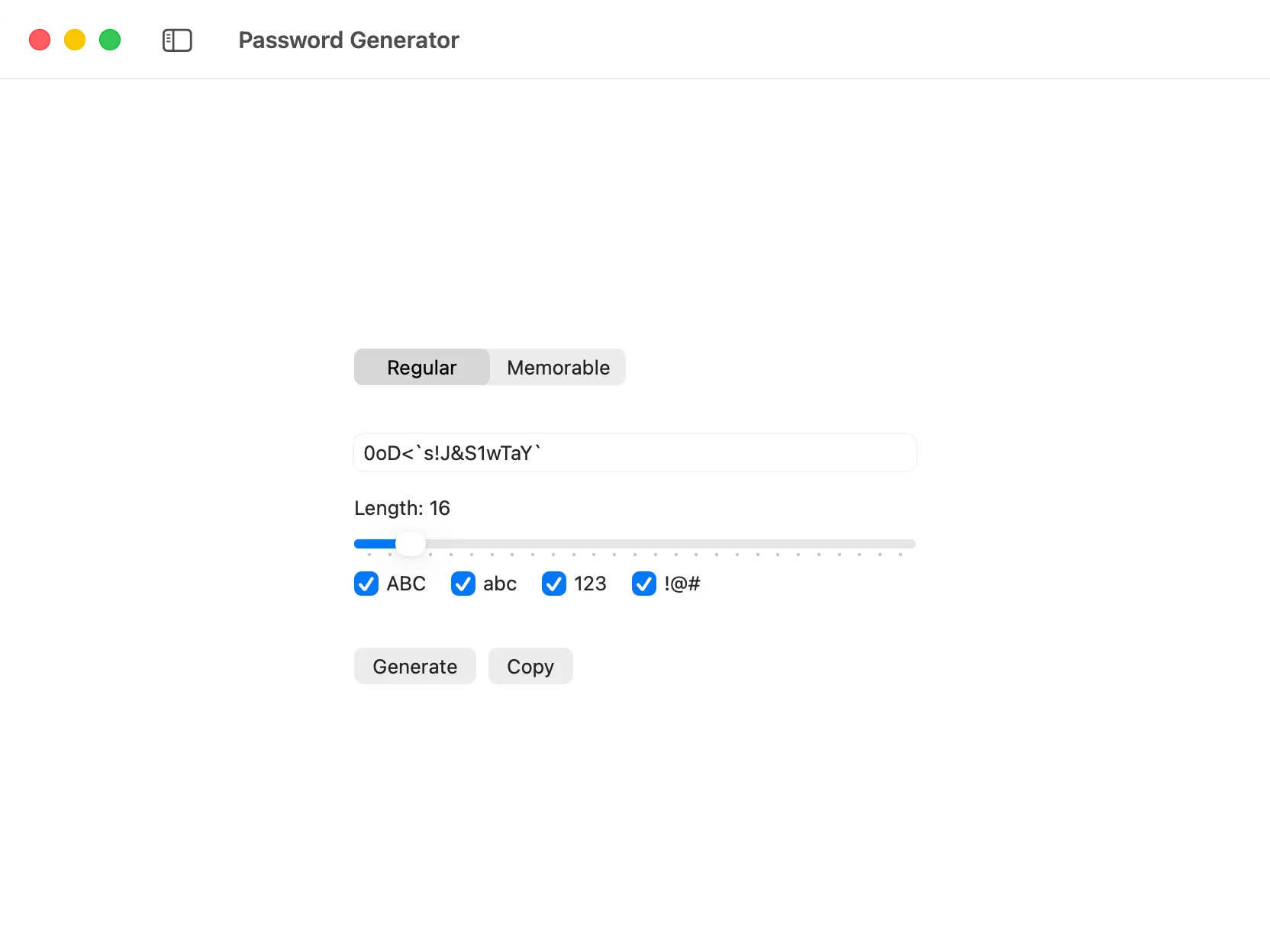
Password Generator
Create strong, customizable passwords with adjustable length and character sets—generated locally and copied in one click.
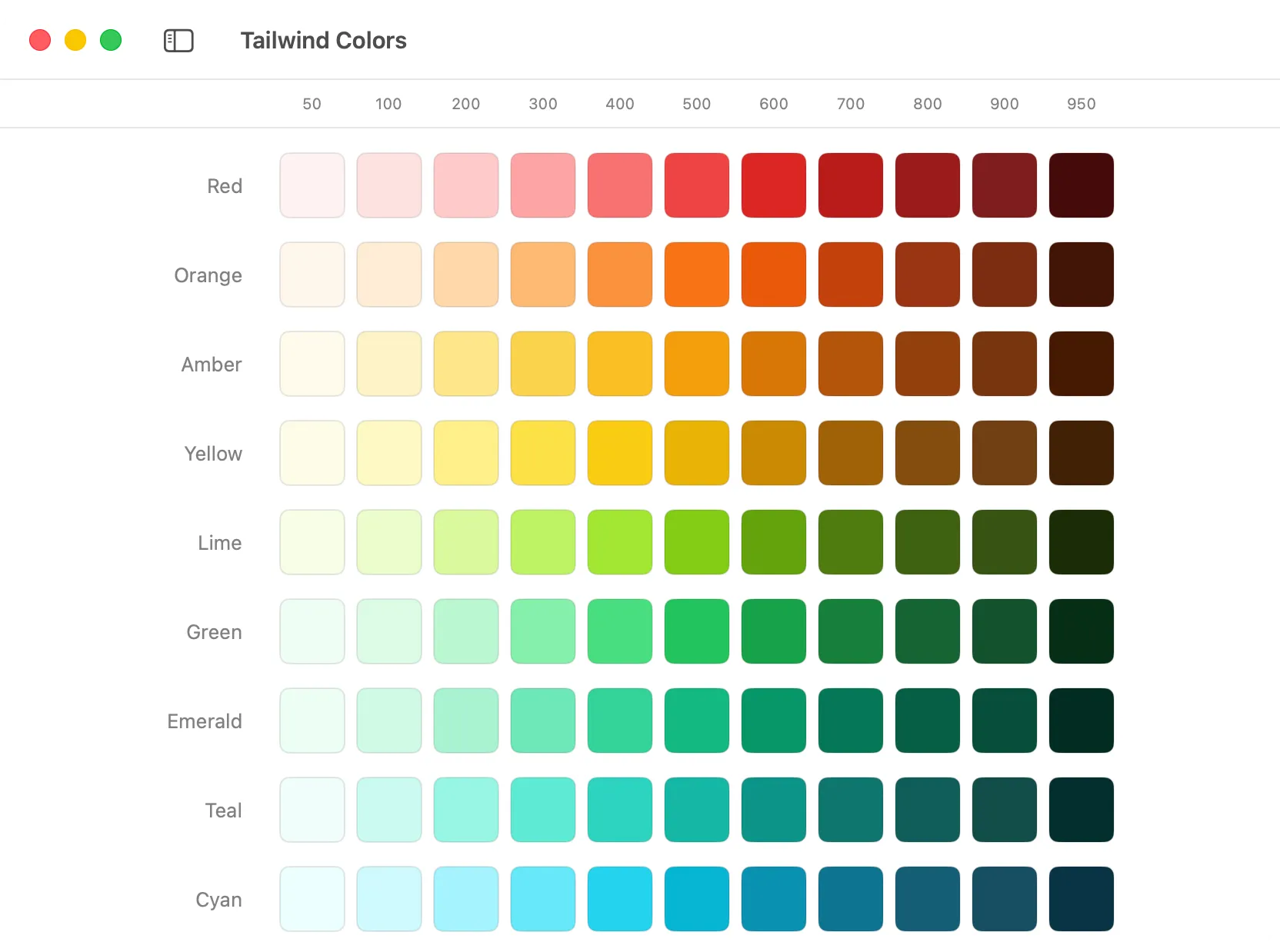
Tailwind Colors
Browse the full Tailwind CSS palette, see every shade at a glance, and copy HEX values with one click.
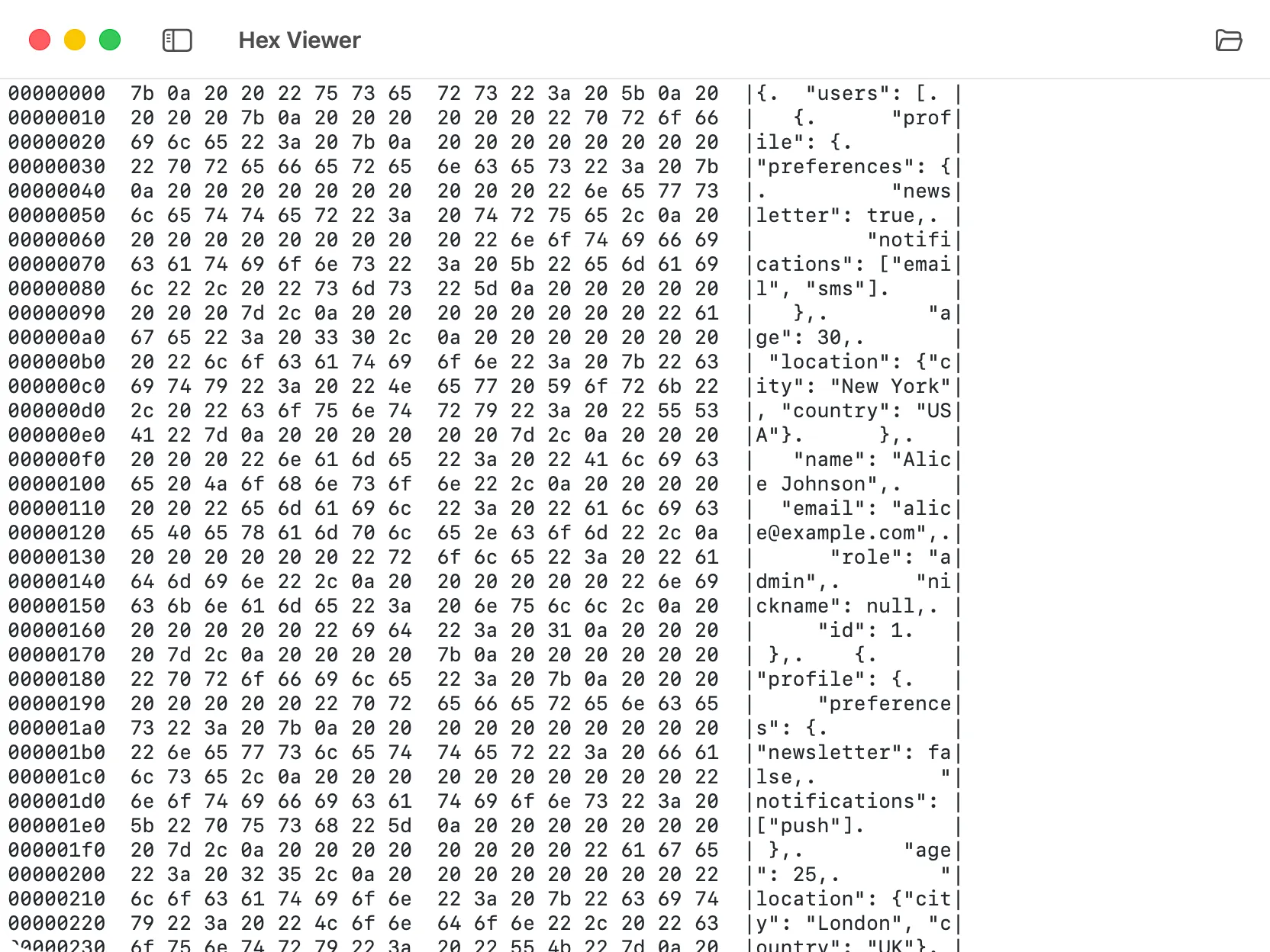
Hex Viewer
Inspect files at the byte level with a hexadecimal view that displays both hex and ASCII representations for detailed analysis.
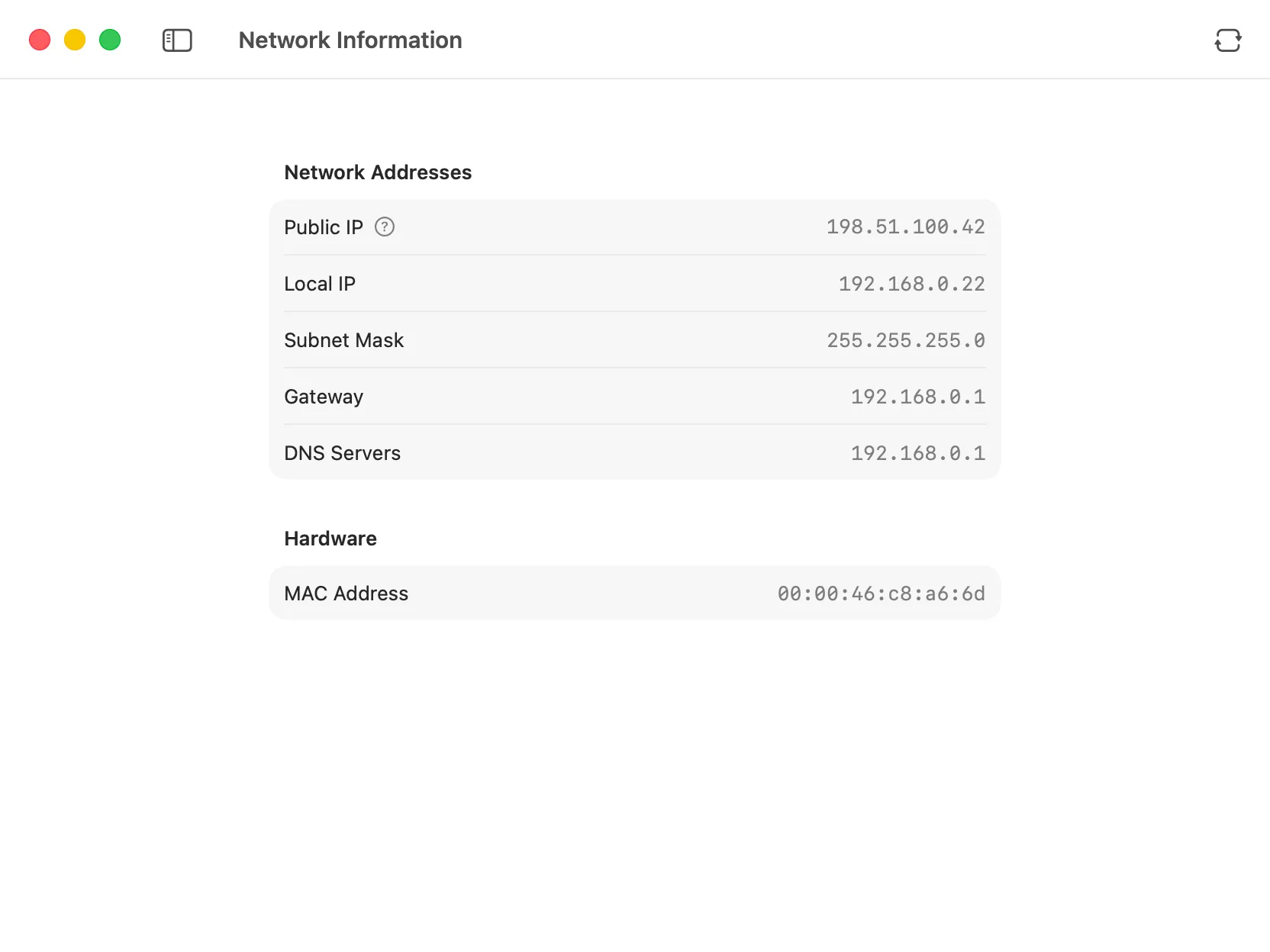
Network Information
View your network configuration at a glance, including public and local IP addresses, subnet mask, gateway, DNS servers, and MAC address.
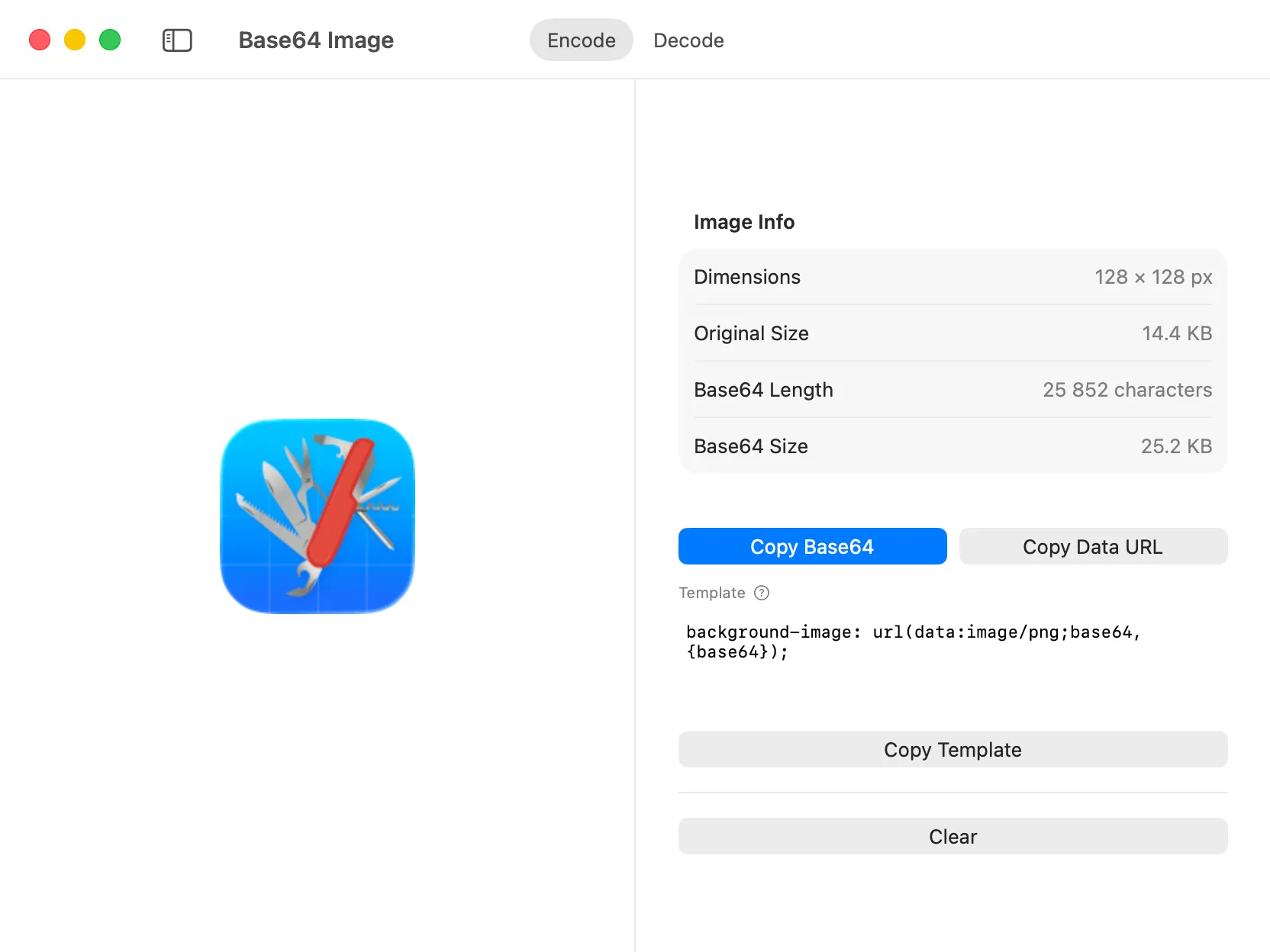
Base64 Image
Convert images to Base64 encoding and vice versa, making it easy to embed images directly in code, HTML, or CSS.

Ready to try DevKnife?
Fast, private, and built for macOS.