 Simon
Simon
·
Guide How to Convert CSV to JSON on Mac
Learn how to convert CSV to JSON on macOS, why the conversion is trickier than it looks, and how to do it instantly and locally with DevKnife.
Read MoreIn version 1.7.0 of DevKnife, I’ve added three new tools that expand the app’s capabilities into binary file inspection, image encoding, and network diagnostics. Beyond the new features, this update brings file open and save support to several existing tools and refines the overall experience with UI improvements.
This release focuses on making DevKnife more versatile for working with different data types while maintaining the same local-first, privacy-focused approach.
Sometimes you need to look at the raw bytes of a file to understand its structure, debug encoding issues, or inspect binary formats. The new Hex Viewer provides a classic hexadecimal view that displays both hex values and ASCII representations side by side.
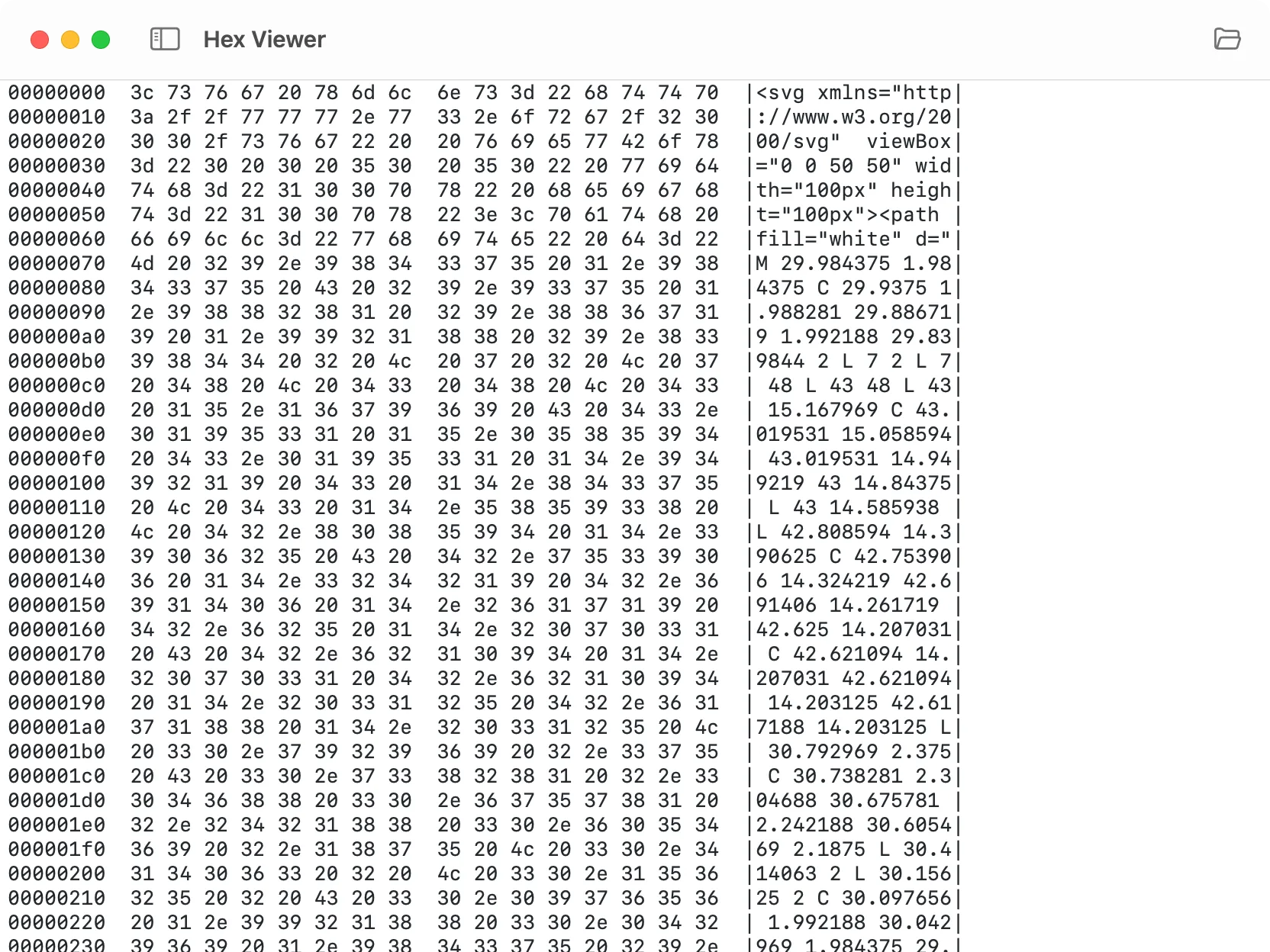
Inspect files at the byte level with hexadecimal and ASCII views.
The tool makes low-level file inspection straightforward:
Byte-level inspection: View the complete binary structure of any file in hexadecimal format with corresponding ASCII characters.
File support: Open local files directly or drop them into the viewer to analyze their contents.
Clean layout: The dual-pane view keeps hex values and ASCII representation aligned for easy reading.
Perfect for debugging binary protocols, inspecting file headers, or understanding file formats at the lowest level.
A user requested the ability to check their public IP address directly in DevKnife. That request inspired the Network Information tool, which displays not just your public IP but your complete network configuration in one view.
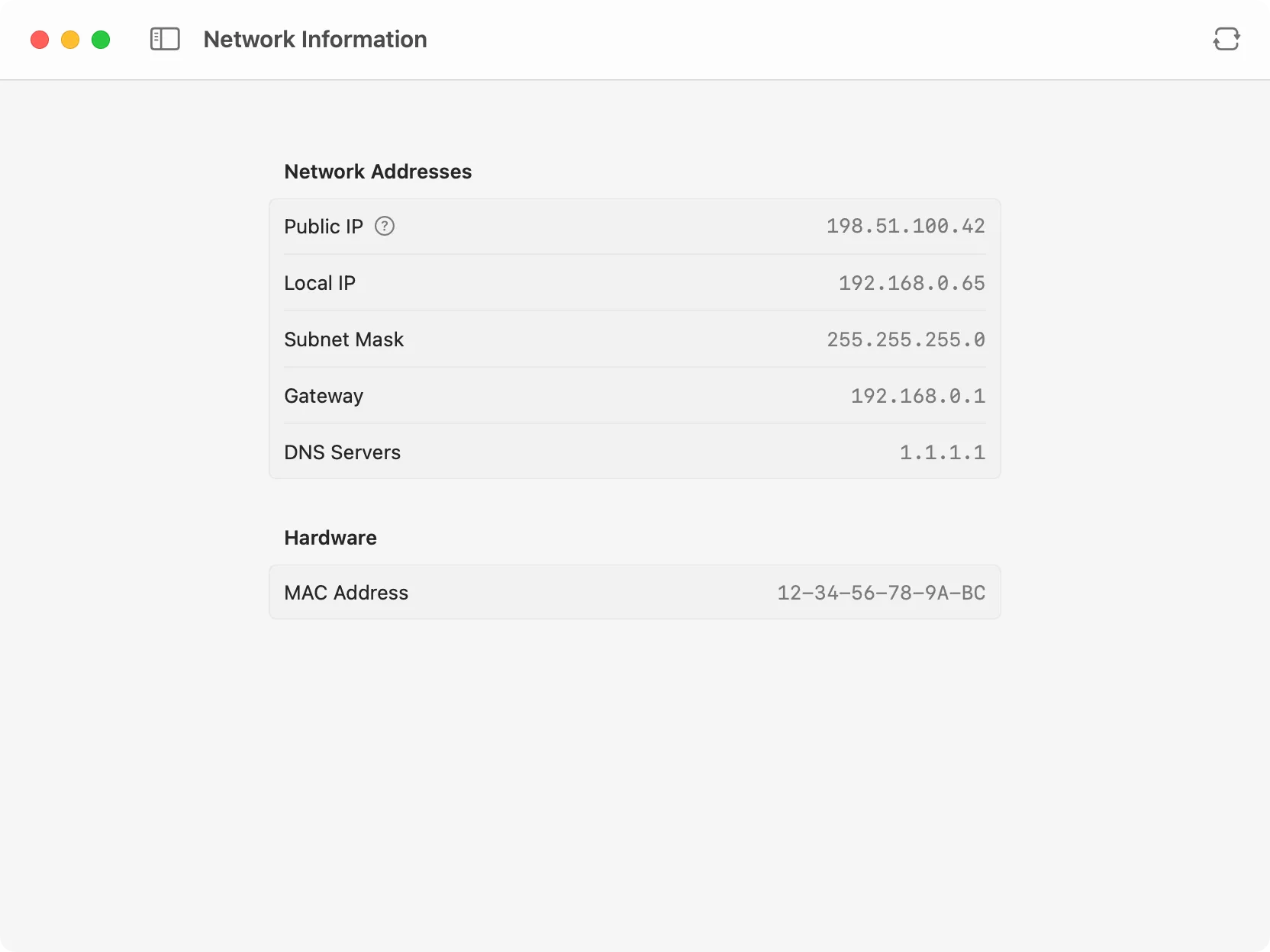
View your complete network configuration at a glance.
The tool provides instant access to key network details:
Network addresses: See your public IP (determined using AWS’s public anonymous service), local IP, subnet mask, gateway, and DNS servers in a clean, organized layout.
Hardware information: View your MAC address without diving into system preferences or running terminal commands.
Instant refresh: Click the refresh button to update all values when switching networks or troubleshooting connectivity issues.
Everything you need for quick network diagnostics, all in one view.
Base64 encoding is commonly used to embed images directly in HTML, CSS, or JSON, but converting between formats usually requires online tools or command-line utilities. The new Base64 Image tool handles bidirectional conversion entirely offline.
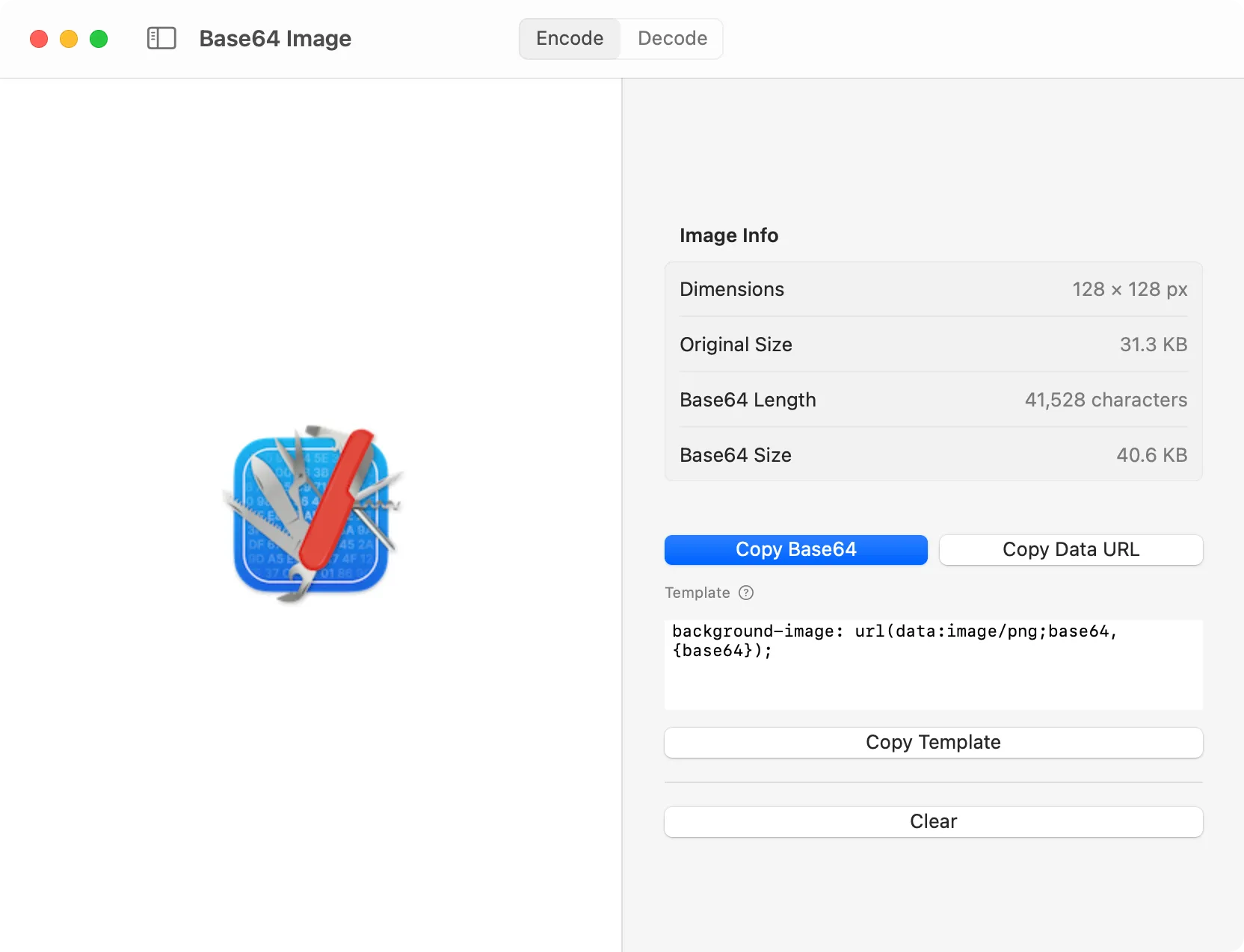
Convert images to Base64 encoding and back with preview support.
The tool makes image encoding simple and practical:
Encode images to Base64: Drop an image file or open it directly, and get the Base64 string ready to copy into your code.
Decode Base64 to images: Paste a Base64 string and see the decoded image instantly with a visual preview.
Format options: Choose between standard Base64 output or a data URI format ready to use in HTML and CSS.
Image preview: See the result immediately to verify the conversion worked correctly.
All processing happens locally on your Mac. Your images never leave your device.
Version 1.7.0 brings file system capabilities to several tools that previously only worked with clipboard data:
JSON Editor: Open and save JSON files directly from the editor. The title bar shows unsaved changes with a dot indicator.
Converter: Load files in any supported format (JSON, YAML, TOML, XML, CSV) and save the converted output directly to disk.
Text Inspector: Open text files to analyze word count, character count, and other statistics without copying content around.
These additions make it easier to work with files in your projects without juggling multiple applications.
Beyond the headline features, 1.7.0 includes several refinements to improve consistency and fix visual issues:
Unified drop areas: File drop zones now share consistent styling across all tools for a more cohesive experience.
SVG Editor enhancements: Added zooming and panning controls to the SVG preview, making it easier to inspect details in complex vector graphics.
Data Generator additions: Added boolean and latitude/longitude data types for more comprehensive test data generation.
Encoder toolbar cleanup: Removed redundant Swap, Copy, and Clear buttons from the Encoder toolbar, simplifying the interface.
UI fixes: Resolved a glitch when opening file dialogs and fixed toolbar flickering in the WHOIS client when scrolling with the sidebar hidden.
That’s everything for version 1.7.0. From inspecting binary files to converting images for web use, these new tools expand DevKnife’s utility while keeping everything private and offline.
If you haven’t yet, grab the latest version and explore the new capabilities. As always, your feedback helps shape future updates.
Learn how to convert CSV to JSON on macOS, why the conversion is trickier than it looks, and how to do it instantly and locally with DevKnife.
Read More
Fast, private, and built for macOS.