 Simon
Simon
·
Guide How to Count Tokens for ChatGPT, Claude, and Gemini
Learn how token counting works for ChatGPT, Claude, and Gemini, why each model counts differently, and how to check prompt length with DevKnife's Text Inspector.
Read MoreIn version 1.4.0 of DevKnife, I’ve added a new Time Inspector, a simple Password Generator, and a Tailwind Colors viewer, along with several improvements and fixes. This update makes it easier to work with dates, timestamps, and time zones, and adds a couple of handy utilities you can reach for during the day.
Time can be tricky when you jump between projects in different parts of the world. The new Time Inspector helps by converting between Unix timestamps and human‑readable dates, showing multiple locations side by side, and visualizing a 24‑hour timeline for each location.
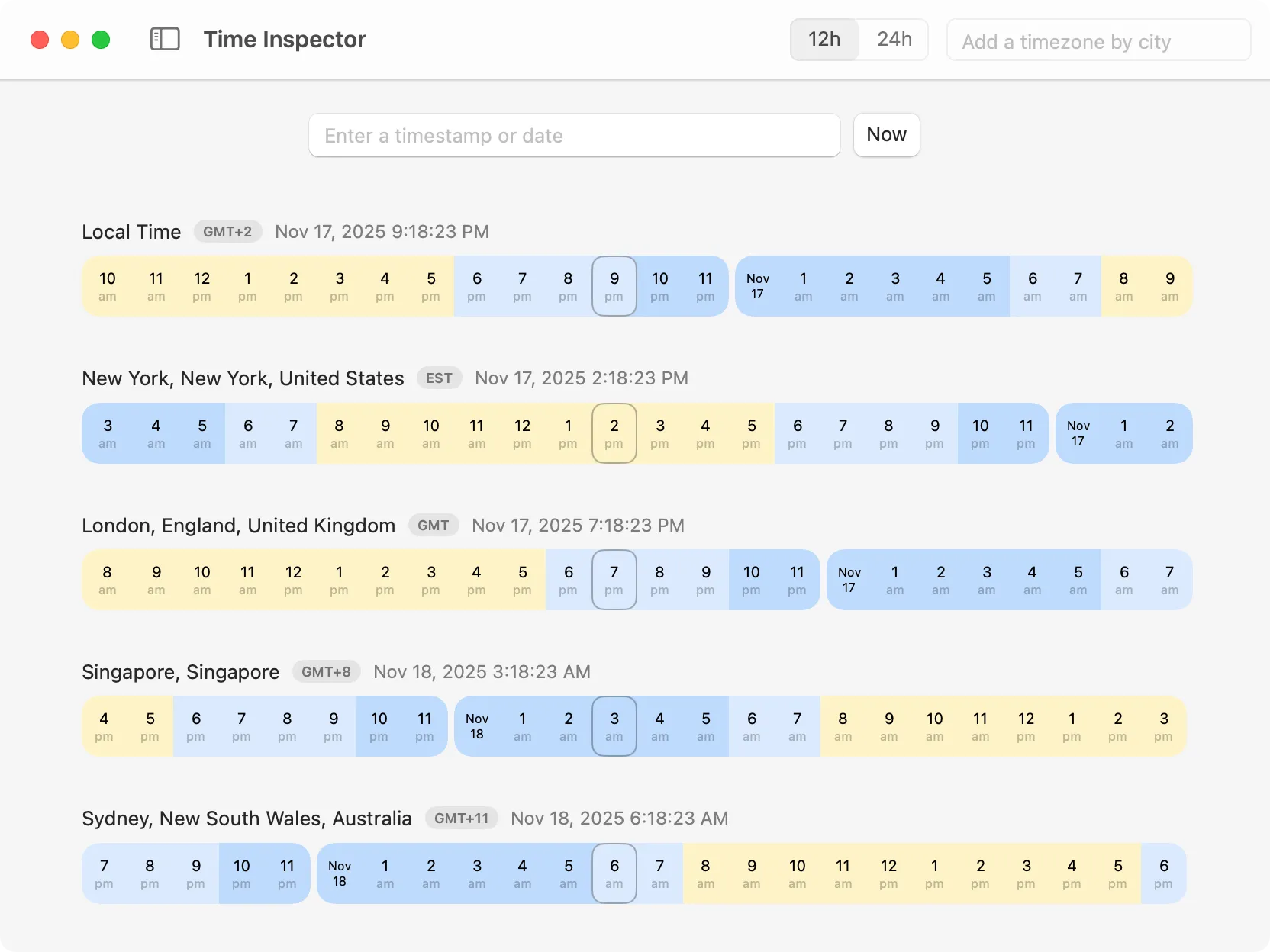
Convert between timestamps and dates, compare multiple time zones, and see a 24‑hour timeline at a glance.
A small utility for quickly creating strong passwords. You can generate two types:
Copy the result with one click. Everything happens locally.
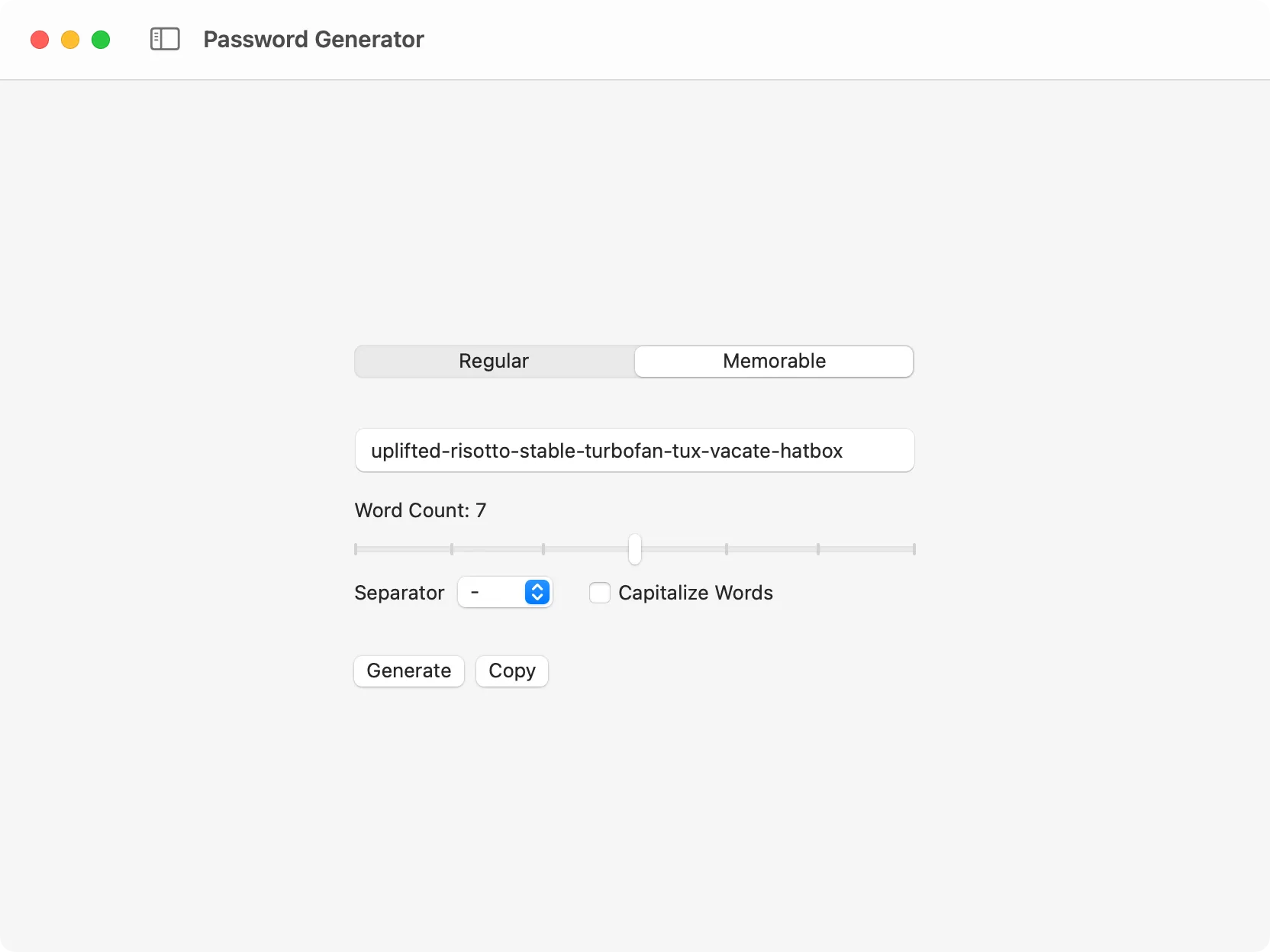
Generate a strong password in seconds.
Browse the full Tailwind CSS palette, see every shade at a glance, and copy HEX values with one click. It’s useful when you want to compare shades quickly and pick a starting point for a design.
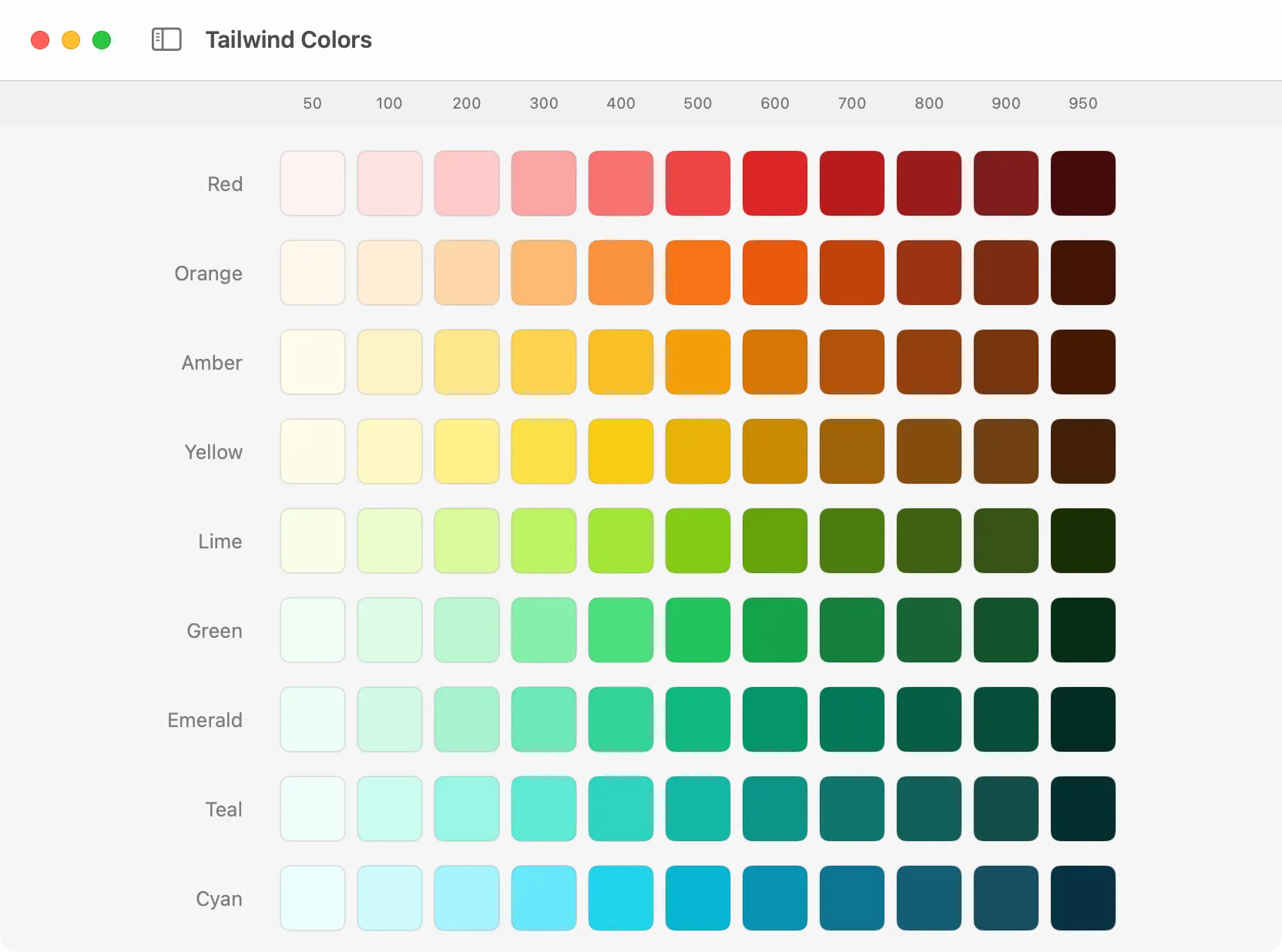
Explore Tailwind colors and copy HEX values with one click.
That’s everything for version 1.4.0. With Time Inspector, a quick Password Generator, and a Tailwind Colors viewer, DevKnife keeps growing into a practical companion for everyday developer tasks.
If you haven’t yet, grab the latest version and try the new tools. As always, your feedback helps shape future updates.
Learn how token counting works for ChatGPT, Claude, and Gemini, why each model counts differently, and how to check prompt length with DevKnife's Text Inspector.
Read More
Fast, private, and built for macOS.