 Simon
Simon
·
Dev Log DevKnife Update 1.8.0
DevKnife 1.8.0 introduces a powerful quick search feature with fuzzy matching to navigate between tools instantly, plus enhancements to the SVG Editor and performance improvements.
Read MoreVersion 1.18.0 adds two new tools for inspecting projects and certificates.
Code Statistics gives you a quick overview of the source files inside a folder. Certificate Inspector checks certificates from remote hosts or local files. This update also improves the Ruler tool with edge snapping and clearer highlighting of the active ruler.
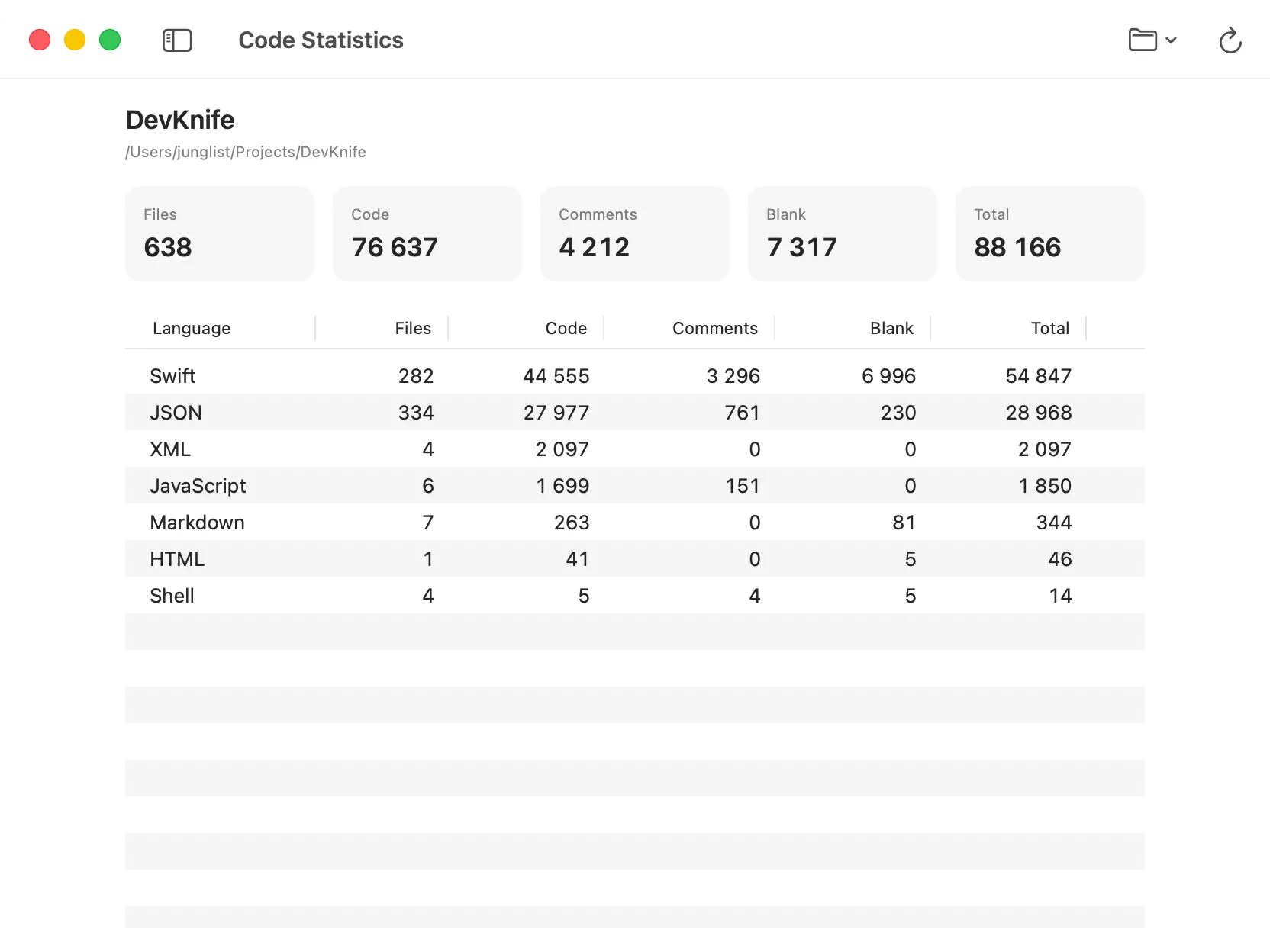
Code statistics for a project, grouped by language.
Code Statistics is a new tool for viewing file and line statistics for a selected folder.
Choose a project folder and DevKnife scans its supported source files. The summary shows the number of files, code lines, comments, blank lines, and total lines. A table groups the same information by language and shows how much each language contributes to the project.
Recent folders are available from the toolbar, so you can return to a project and scan it again without searching for the folder each time. DevKnife also remembers the latest result for each window.
Common dependency and build folders are skipped automatically, together with hidden files, binaries, lock files, minified files, and source maps. The scan runs locally, and no source files or statistics are uploaded.
Read more about Code Statistics in the docs.
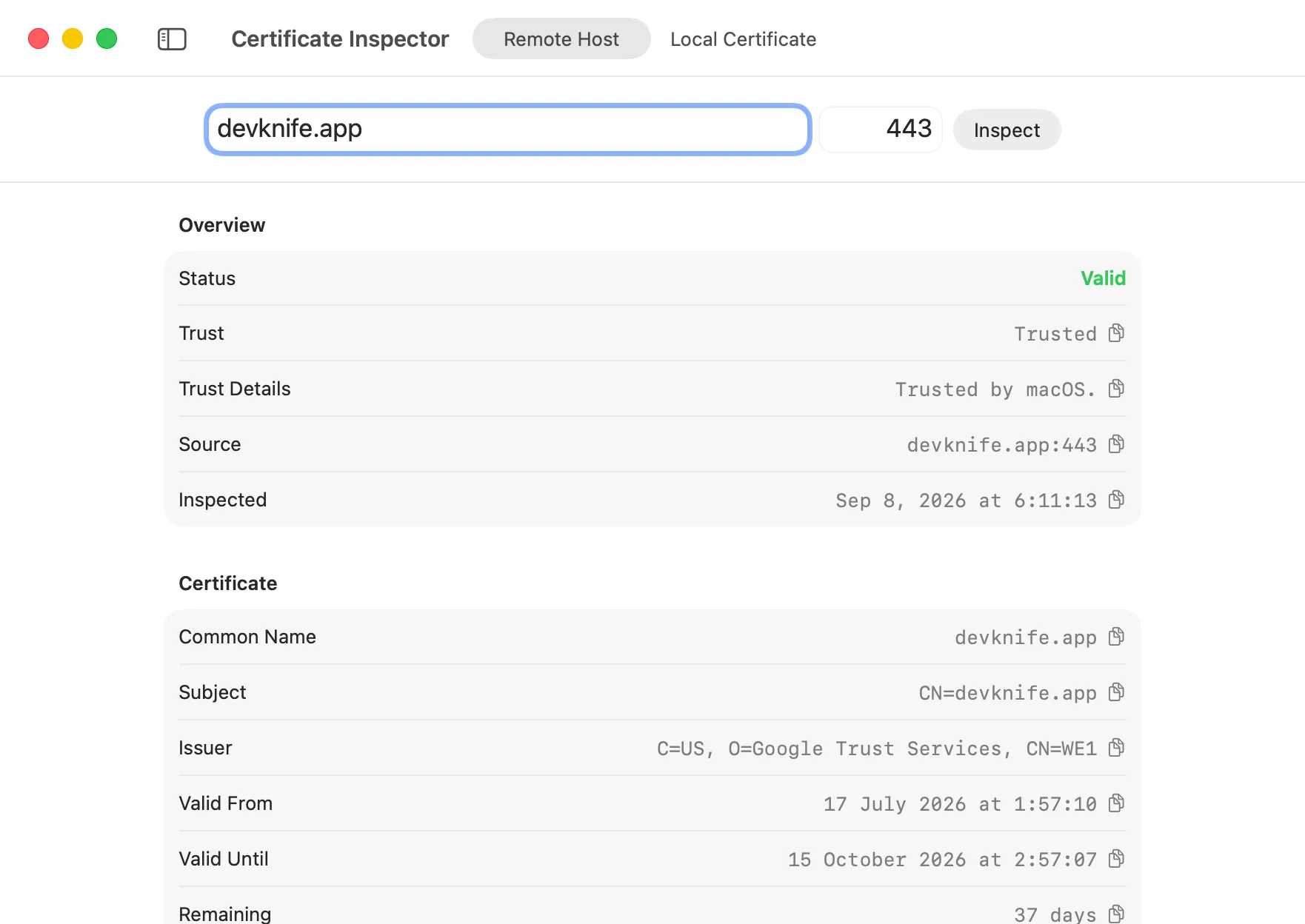
Certificate validity, trust, and chain information in one view.
Certificate Inspector is a new tool for checking TLS certificates.
The tool has two modes: Remote Host and Local Certificate.
Enter a hostname and port to inspect the certificate presented by a server. DevKnife checks the certificate against the hostname and the trust settings on your Mac, then displays the available certificate chain.
The connection stops after the TLS certificate exchange. DevKnife does not send an HTTP request to the server.
Open a PEM, CER, CRT, or DER file to inspect a certificate stored on your Mac. PEM files can also contain a complete certificate chain.
For both modes, the result includes validity dates, remaining days, subject and issuer details, alternative names, the serial number, SHA-256 fingerprint, public key, and signature algorithm.
Read more about Certificate Inspector in the docs.
The Ruler tool can now snap distance measurements to nearby edges in an image. This makes it easier to place endpoints precisely when checking spacing and dimensions.
Edge snapping is enabled by default and can be turned off from Ruler Settings in the toolbar. The active ruler is also easier to identify with clearer selection handles instead of the previous glow.
Read more about the Ruler tool in the docs.
DevKnife 1.18.0 adds more ways to inspect the details that matter during development. Code Statistics provides a quick view of a project, Certificate Inspector brings certificate checks into the app, and Ruler edge snapping makes image measurements more precise.
DevKnife 1.8.0 introduces a powerful quick search feature with fuzzy matching to navigate between tools instantly, plus enhancements to the SVG Editor and performance improvements.
Read More
Fast, private, and built for macOS.