 Simon
Simon
·
Guide How to Count Tokens for ChatGPT, Claude, and Gemini
Learn how token counting works for ChatGPT, Claude, and Gemini, why each model counts differently, and how to check prompt length with DevKnife's Text Inspector.
Read MoreVersion 1.10.0 focuses on workflow improvements across the app. The headline change is full multi-window support, plus a more capable JSON Editor.
DevKnife now supports multiple windows. Open another window to work on different tools side-by-side or keep a focused tool window while you continue working elsewhere.
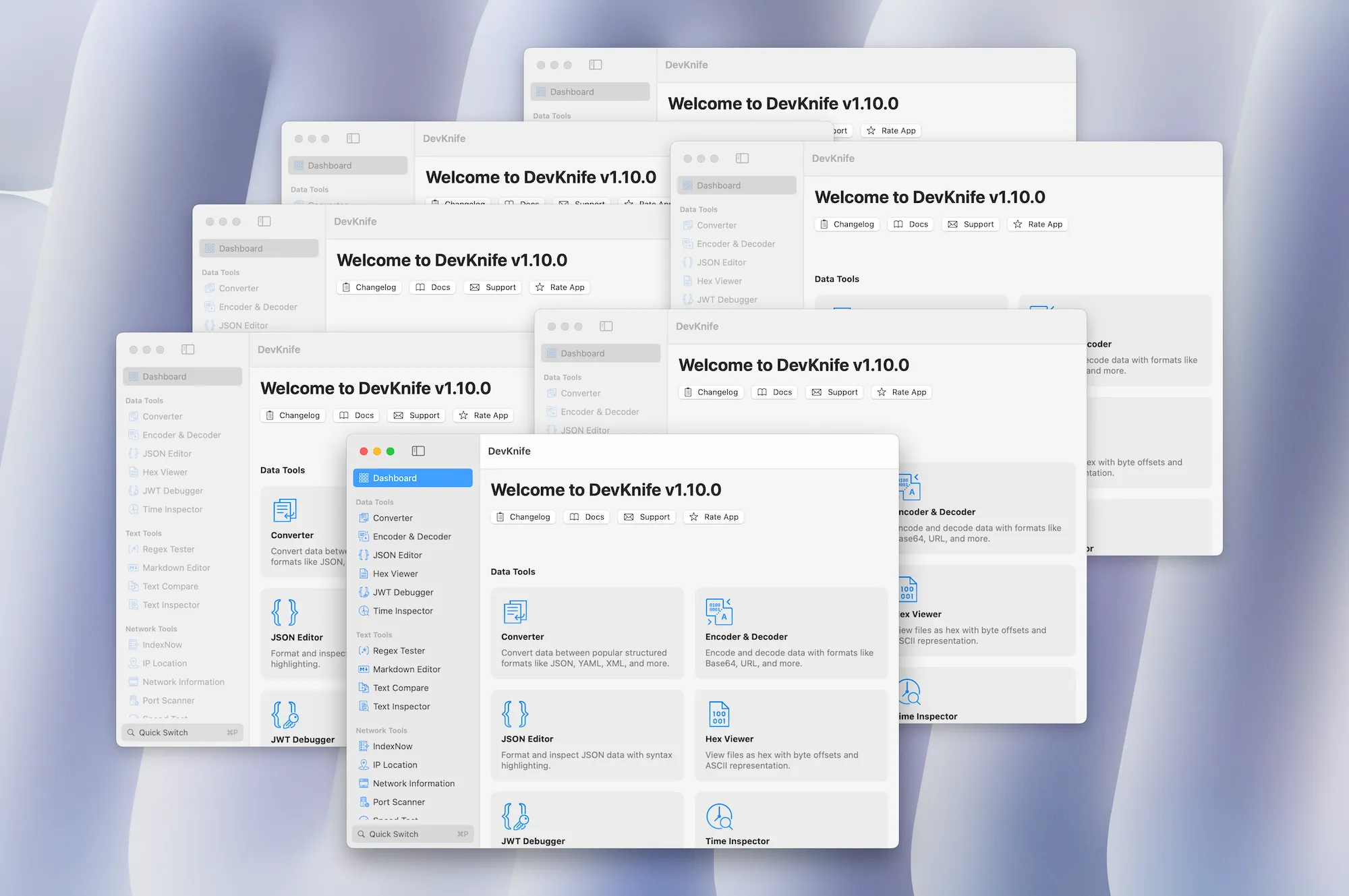
A collage of DevKnife windows open at once to show multi-window support.
The JSON Editor adds smarter formatting and repair tools:
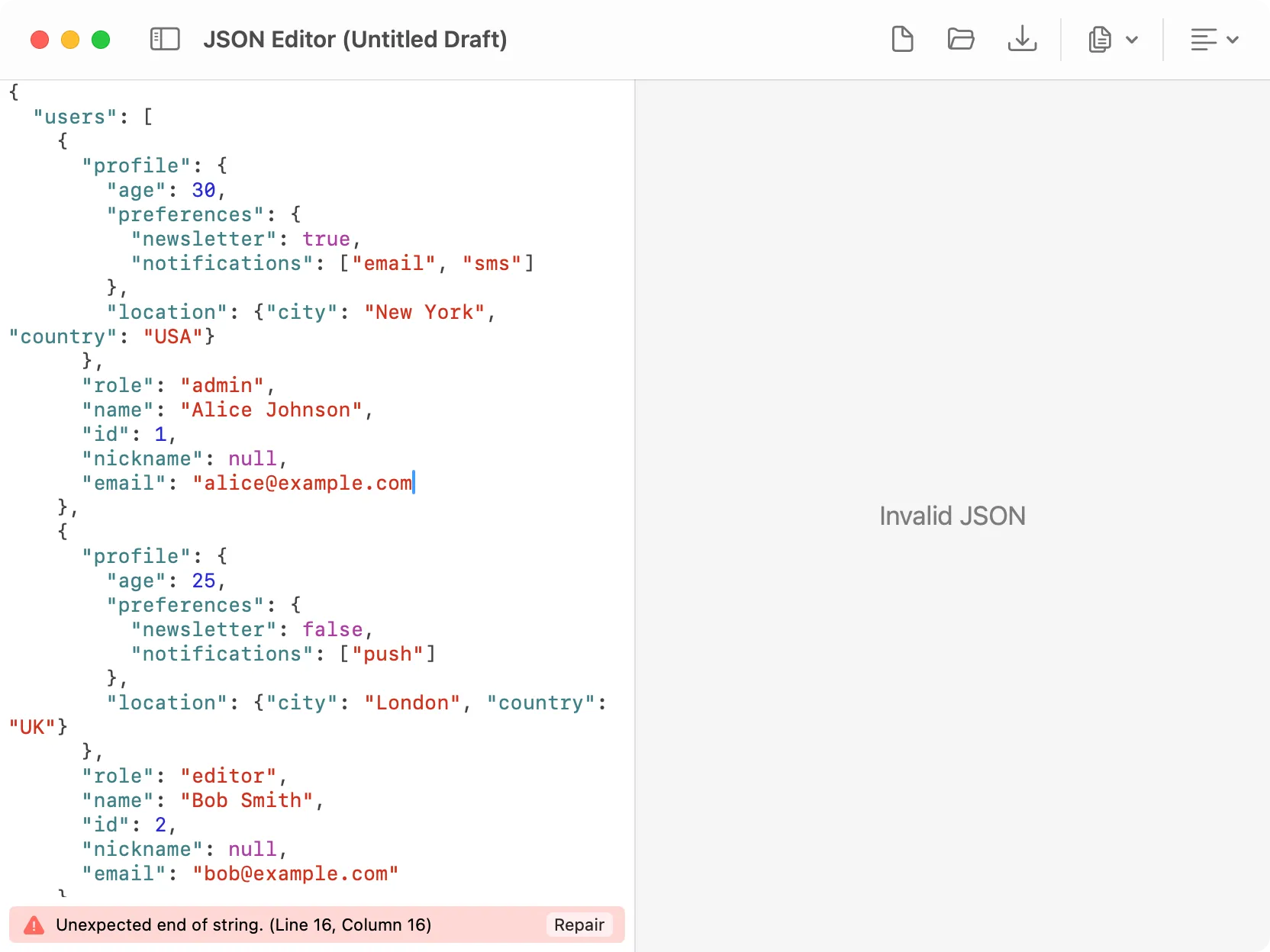
Auto-repair flow in the JSON Editor when invalid JSON is detected.
That’s everything in 1.10.0. Multi-window support is a major workflow unlock, and the JSON Editor improvements should remove a lot of friction when working with real-world data.
Learn how token counting works for ChatGPT, Claude, and Gemini, why each model counts differently, and how to check prompt length with DevKnife's Text Inspector.
Read More
Fast, private, and built for macOS.